Bouncepad
A stand that looks like it belongs at your reception
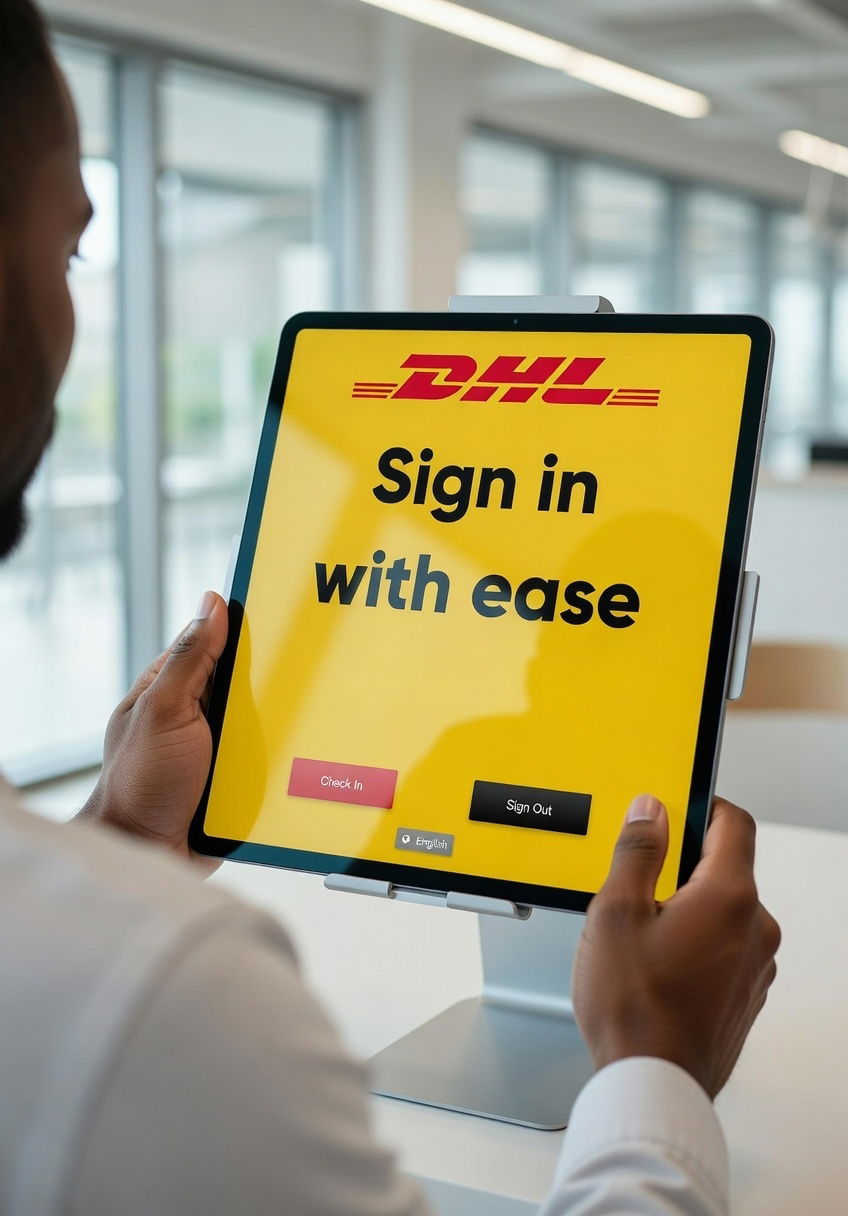
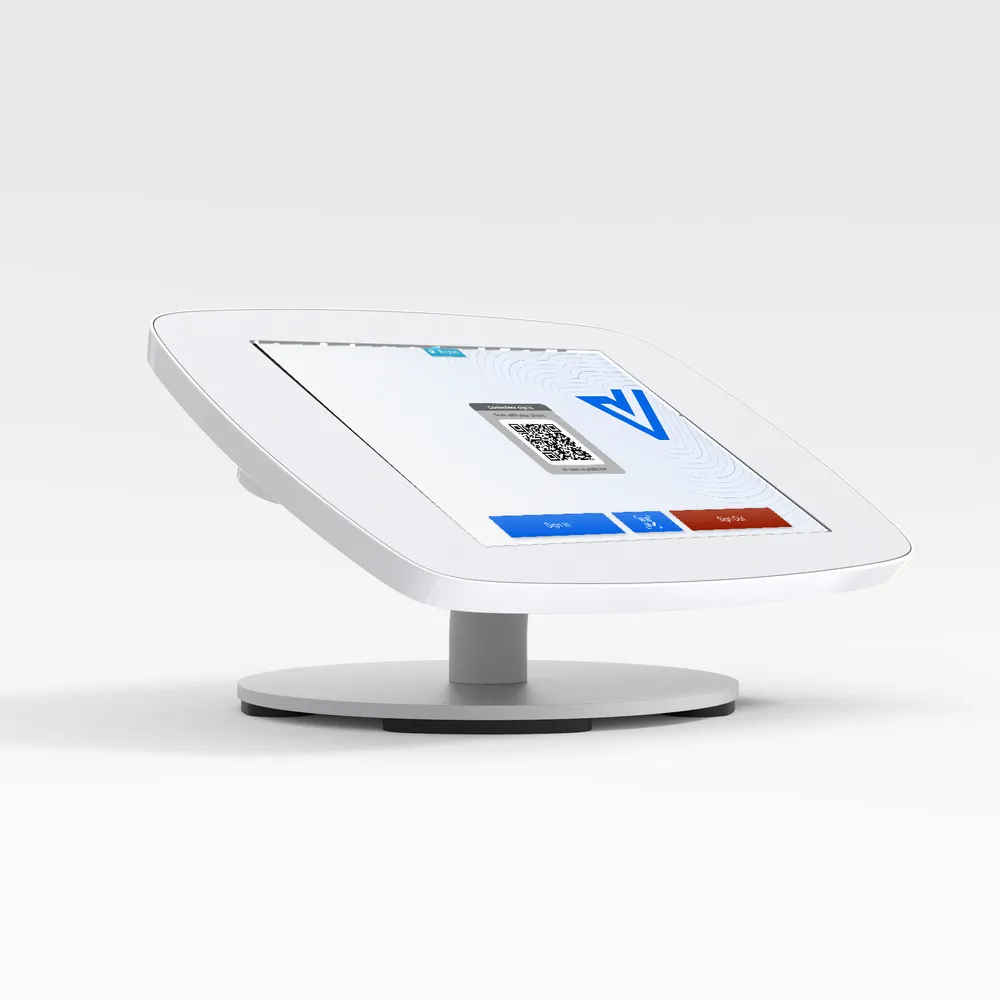
Vizito runs on a tablet, and the stand decides how that tablet looks to every visitor who walks in. We recommend Bouncepad: the stands lock, hide the charging cable and come in white or black. The Counter for Vizito is the model most of our customers start with.
Locked in place
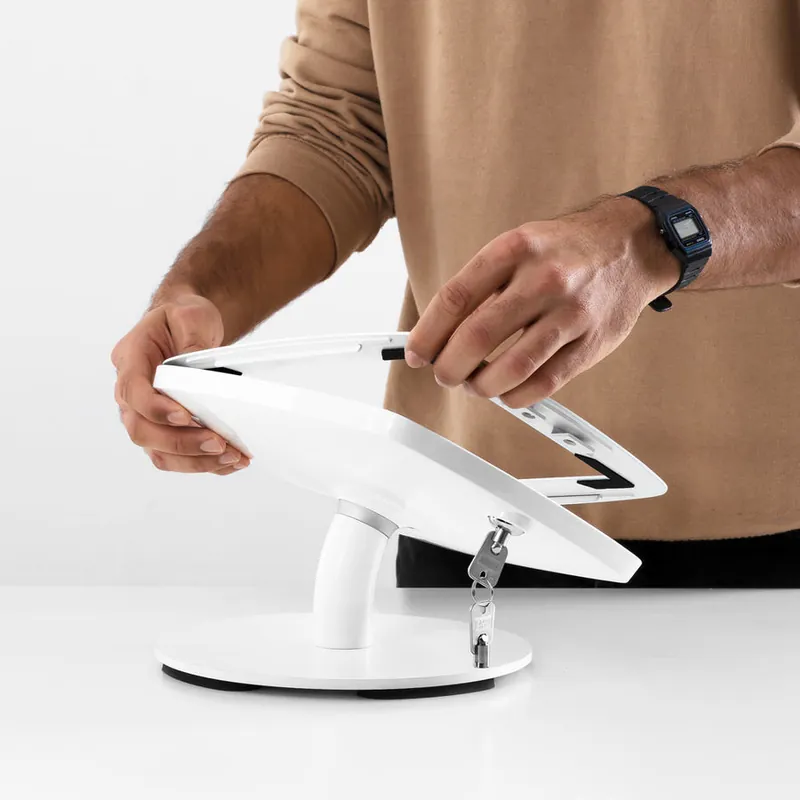
The faceplate locks with a key, so the tablet stays at reception and out of reach of anyone who is curious.
No loose cables
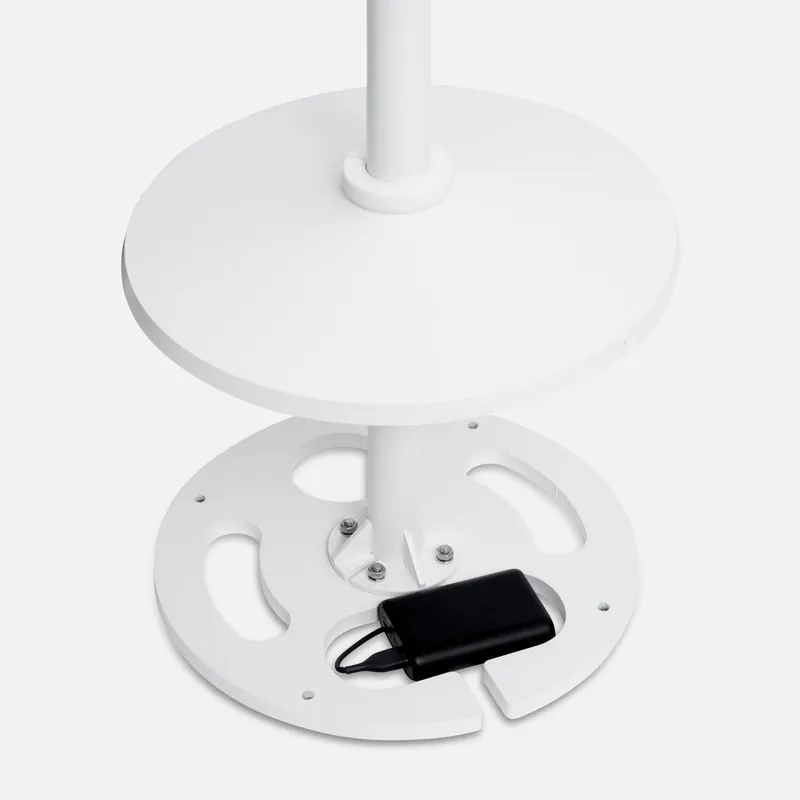
The charging cable runs through the stand itself. Floor models can hold a power bank in the base.
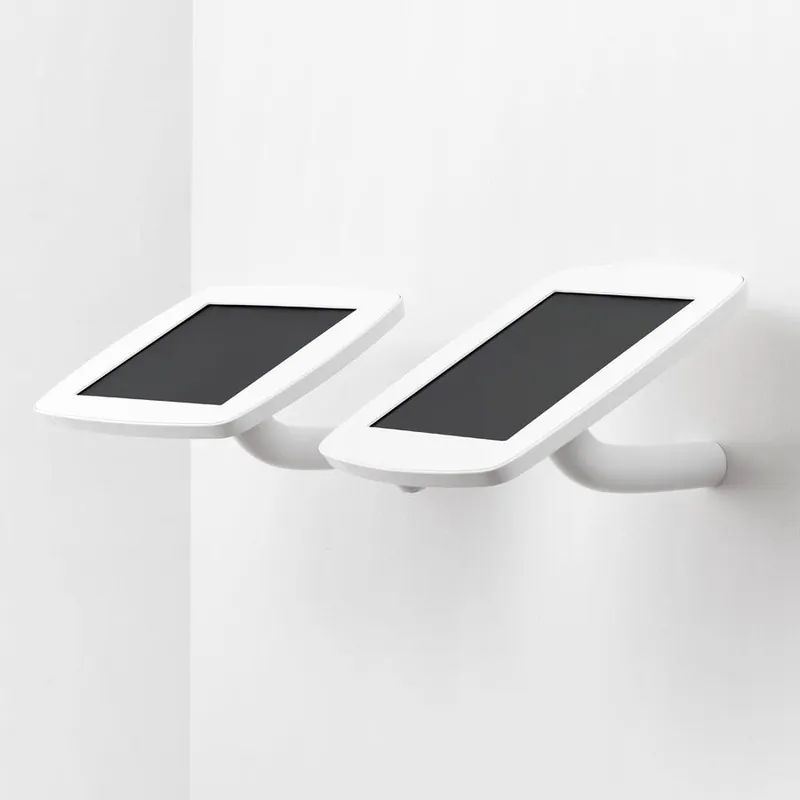
Portrait or landscape
Every enclosure fits either way round. Vizito adapts its sign-in screen to the orientation you choose.
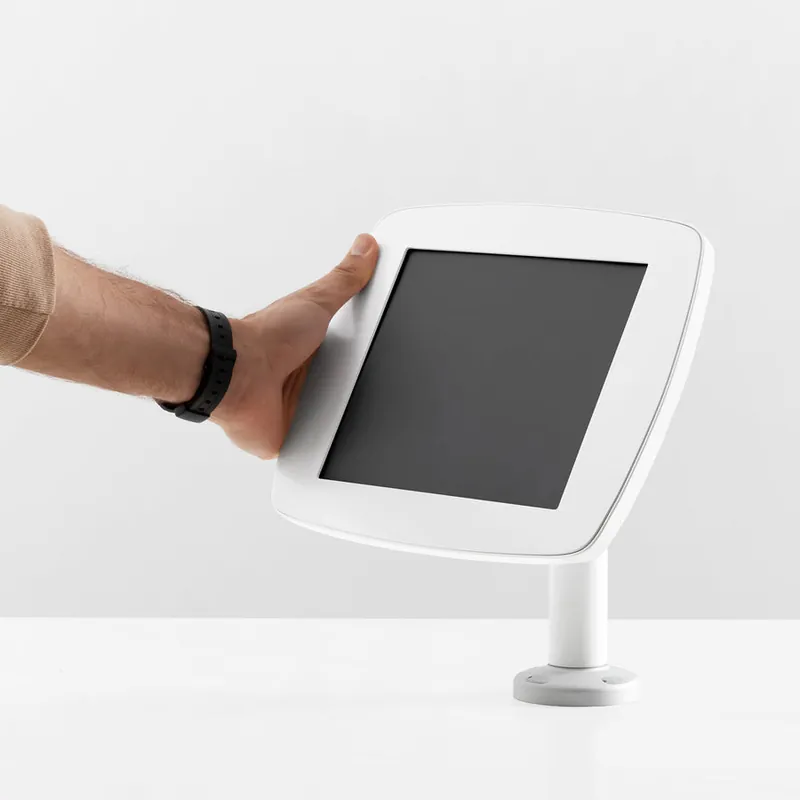
Fits your tablet
Enclosures are made for iPad and Samsung Galaxy Tab A models. Choose your exact tablet when you order.
Countertop
For a staffed reception desk. Free-standing, so nothing has to be drilled.
Counter
The classic reception stand: a weighted base and a short stalk at a comfortable reading angle. This is the version Bouncepad makes for Vizito.
View at Bouncepad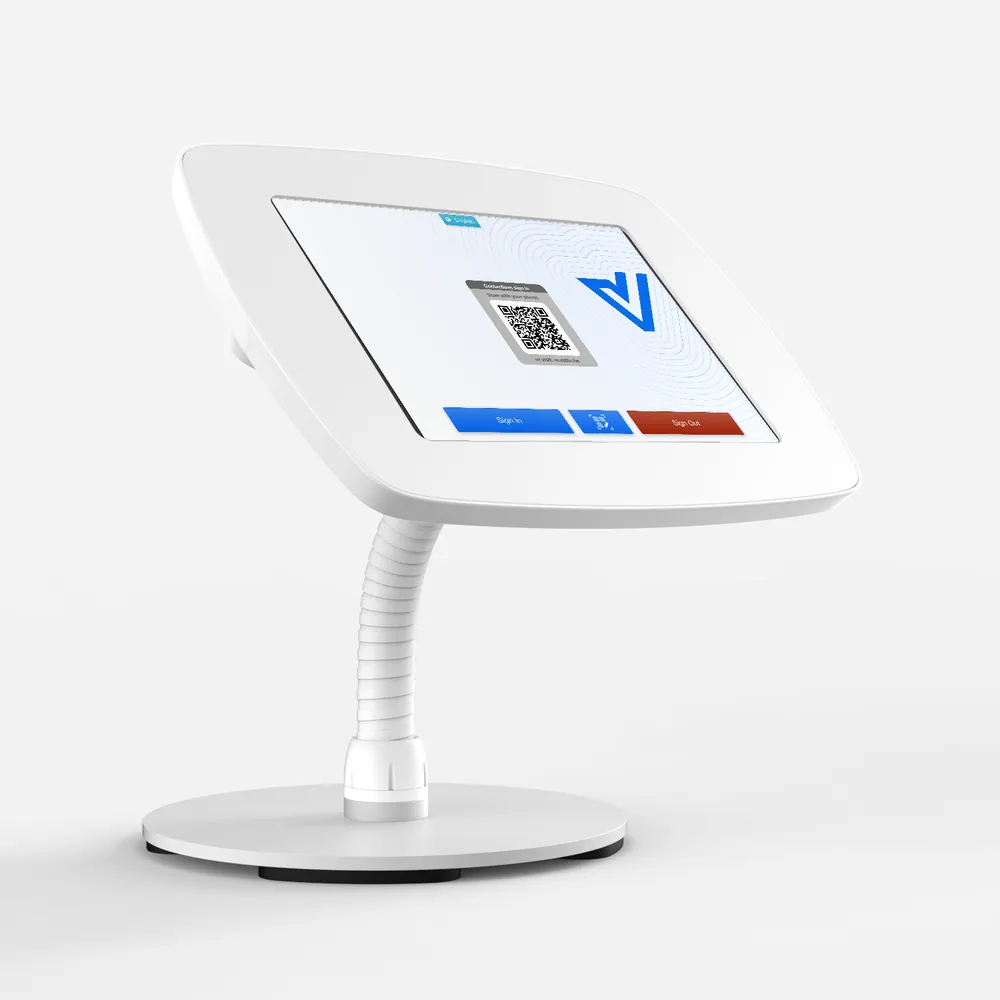
Counter Flex
A flexible neck on the same weighted base. Visitors can tilt the screen towards themselves, which helps at higher counters and for wheelchair users.
View at Bouncepad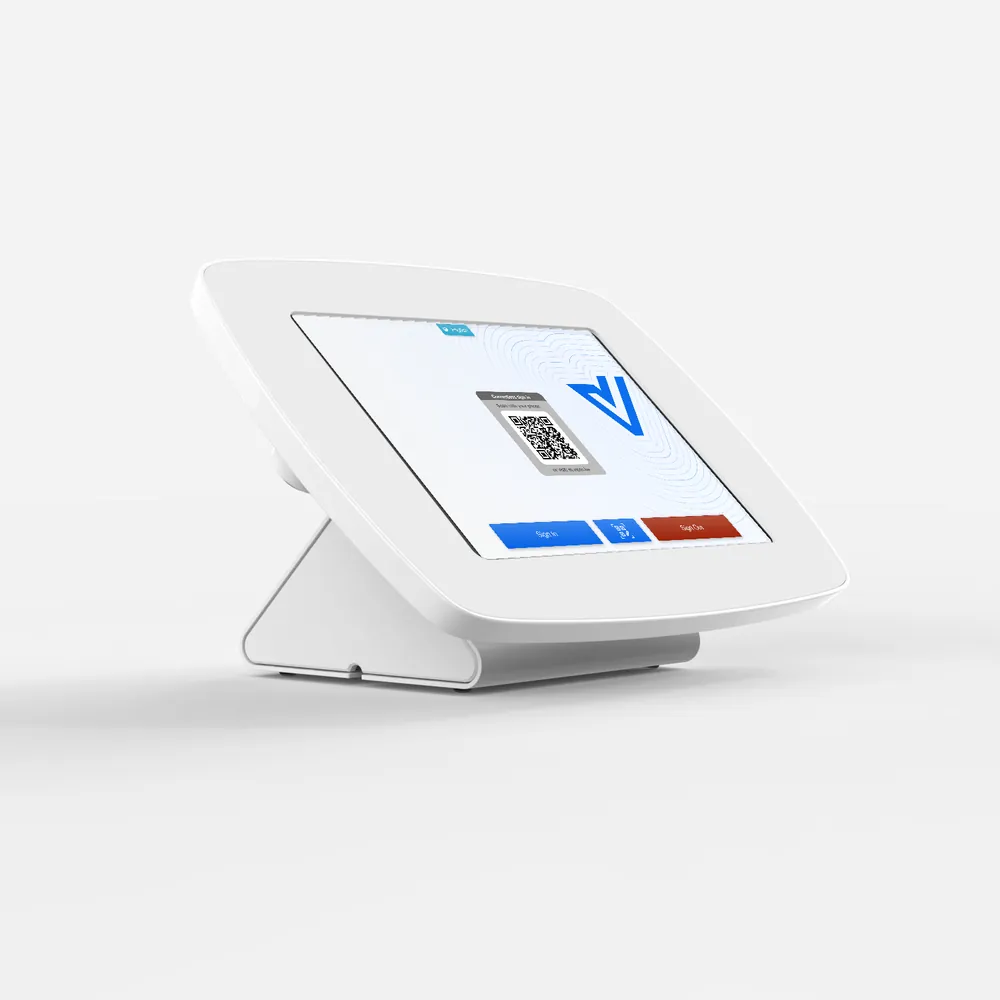
Flip
Turns on a hinge between the receptionist and the visitor. The triangular base hides the cable.
View at BouncepadDesk and wall mounted
Bolted to a desk or wall for a fixed position and a small footprint.
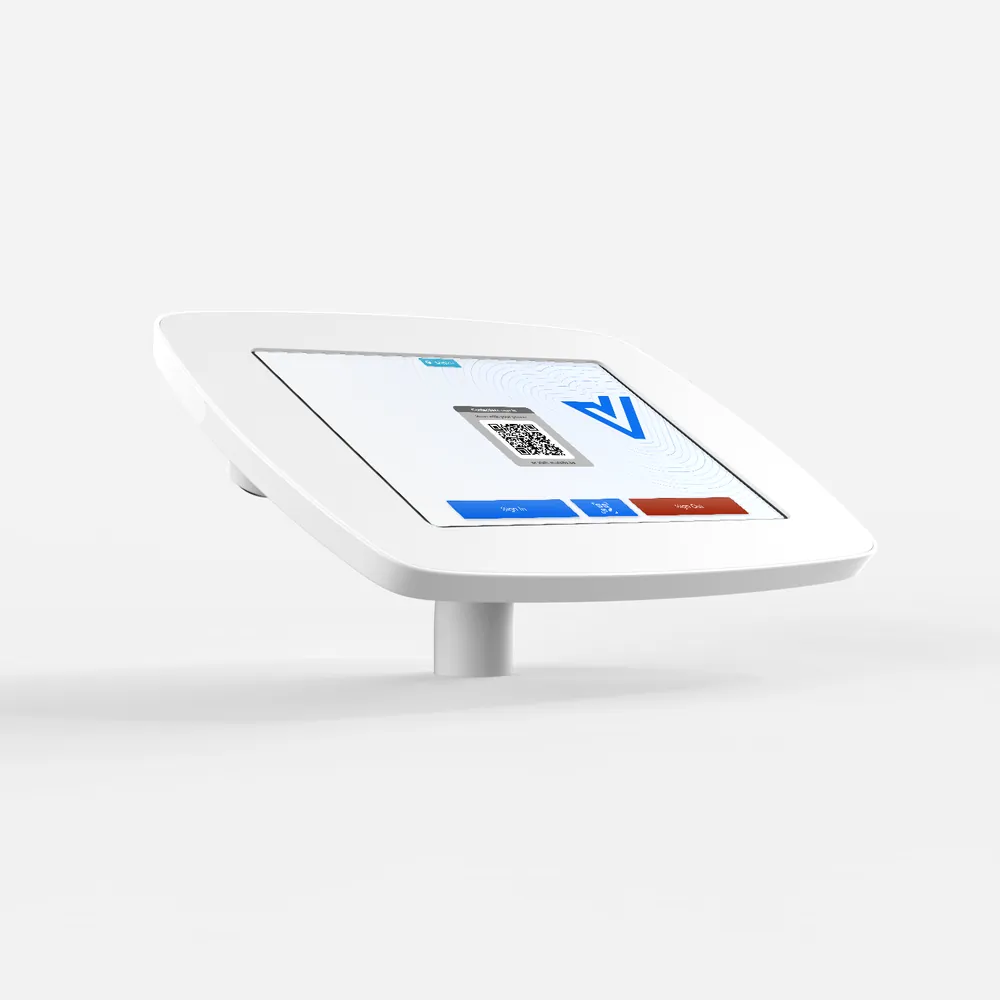
Desk
The lowest profile in the range. A short stalk keeps the tablet close to the desk at an easy angle.
View at Bouncepad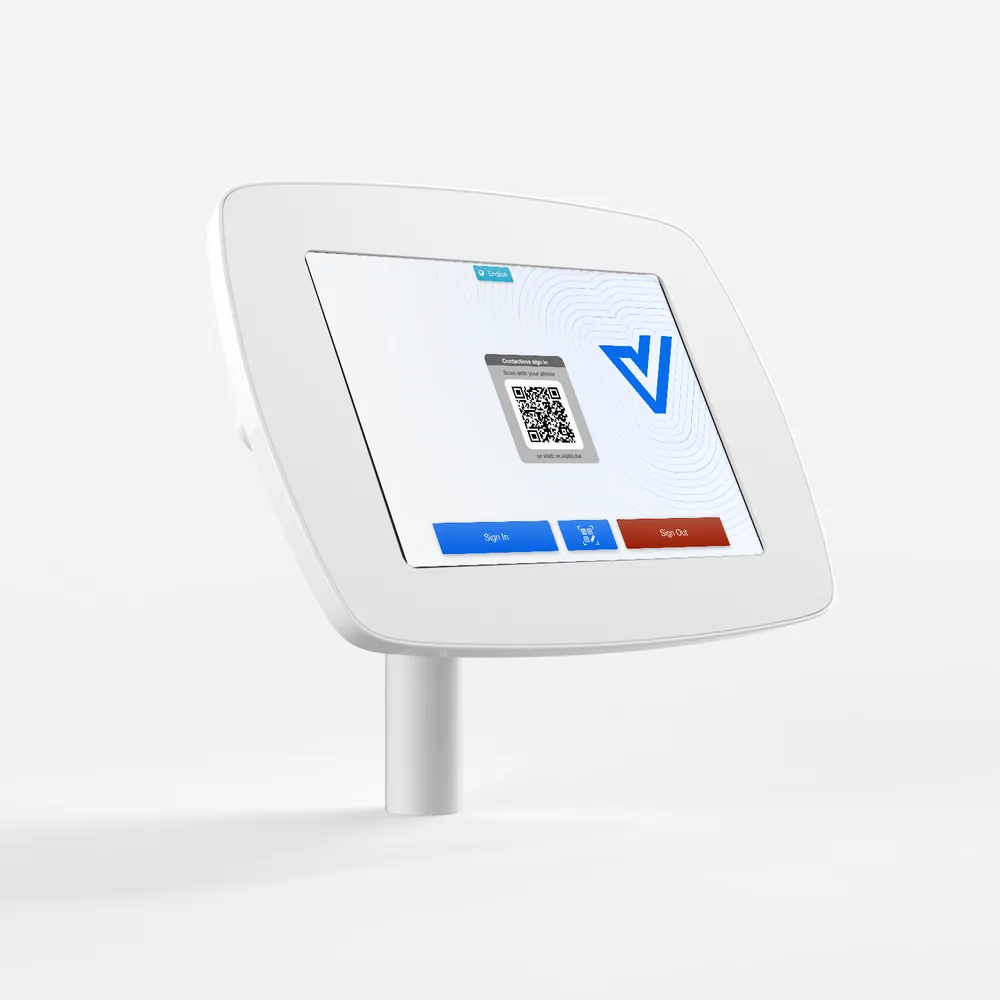
Static 60
A fixed 60 degree arm for a wall or desk. Holds the screen at eye level next to the entrance.
View at Bouncepad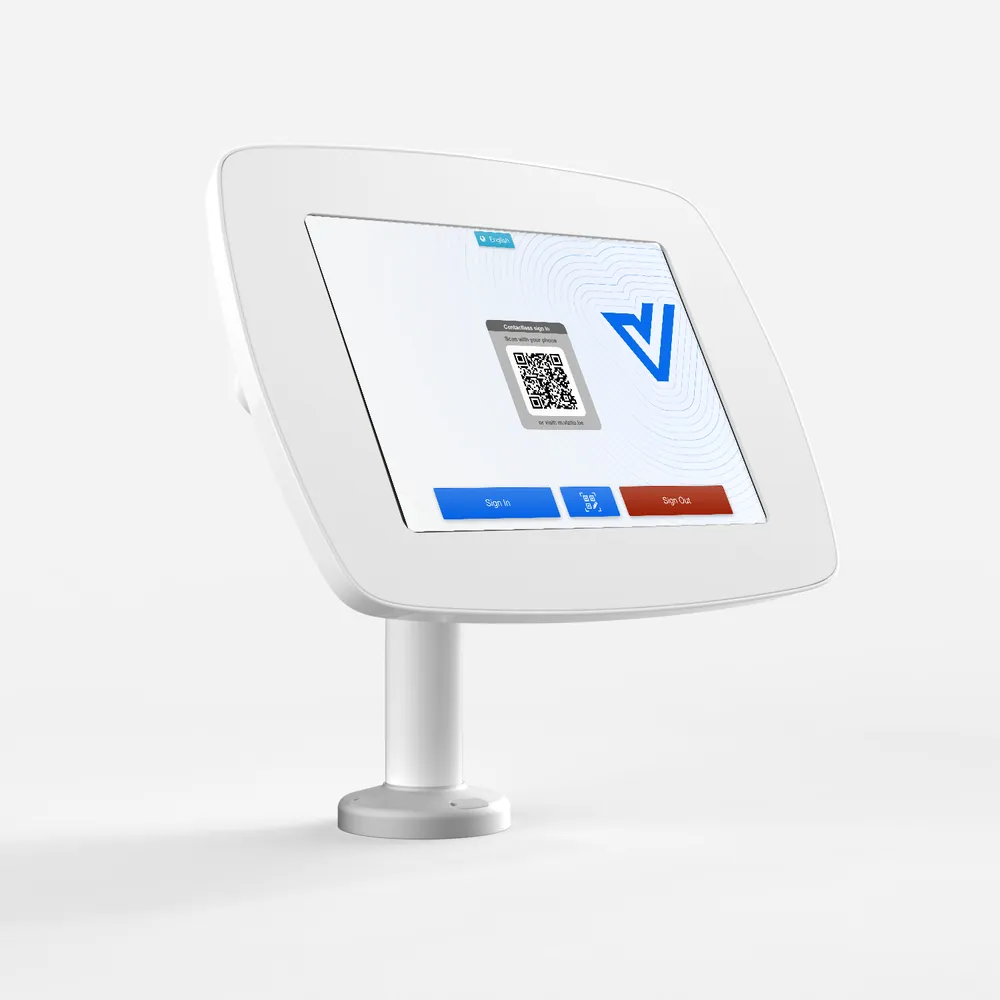
Swivel 60
The Static 60 with a rotating arm, so a receptionist can turn the tablet to a visitor and back.
View at BouncepadFloor standing with badge printer
A Brother label printer mounted on the stand itself, so visitors sign in and pick up their badge in one place. No desk needed.
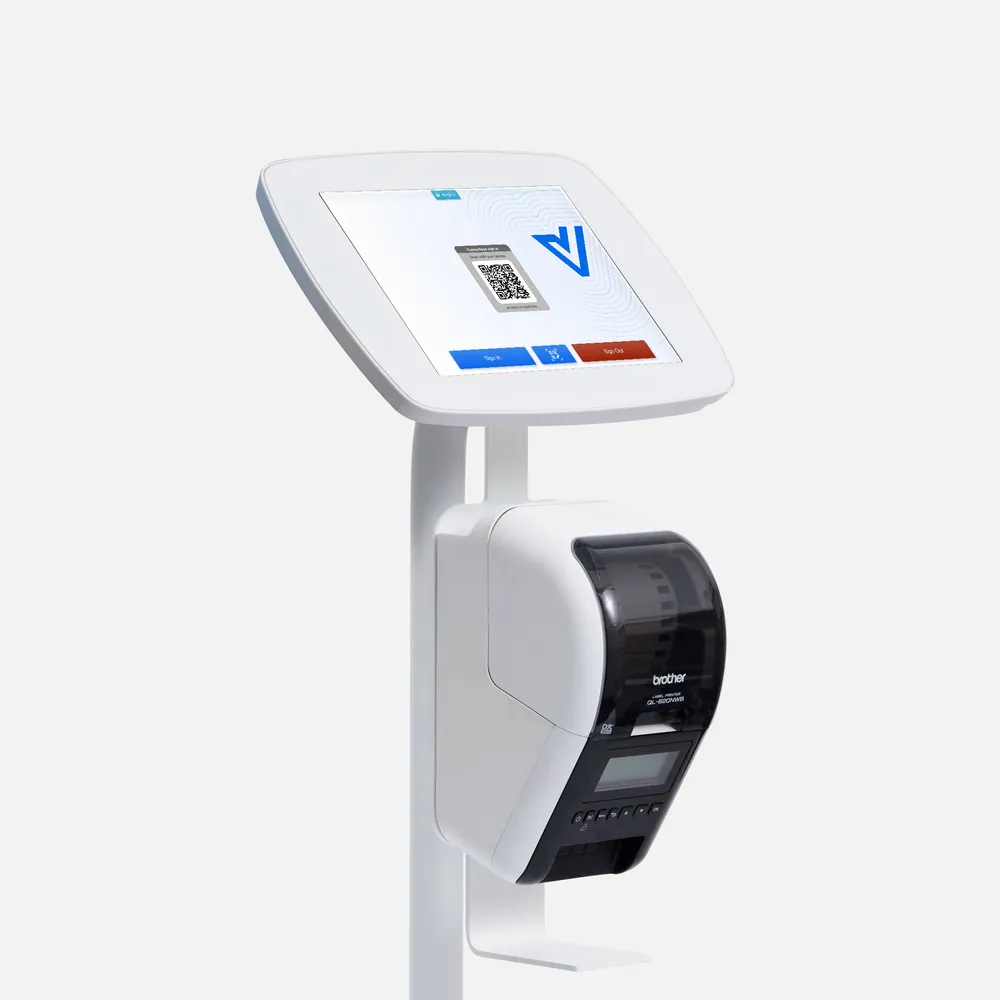
Floorstanding + Brother
The Floorstanding with a Brother printer mount under the tablet. The mount holds the Brother QL-820NWBc we recommend, tidies its cable and catches the printed badge.
View at Bouncepad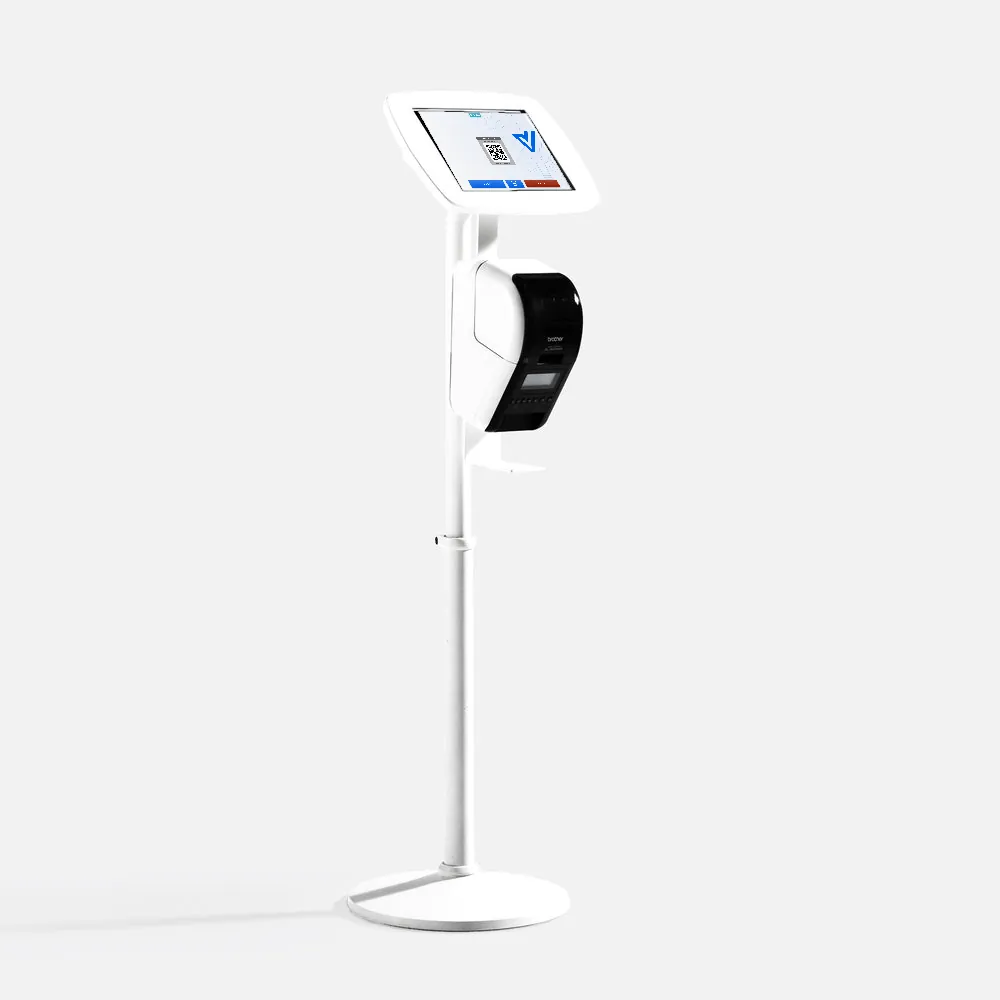
Elevate + Brother
The height-adjustable Elevate with a Brother printer mount. Badges come out at the same comfortable height as the screen.
View at Bouncepad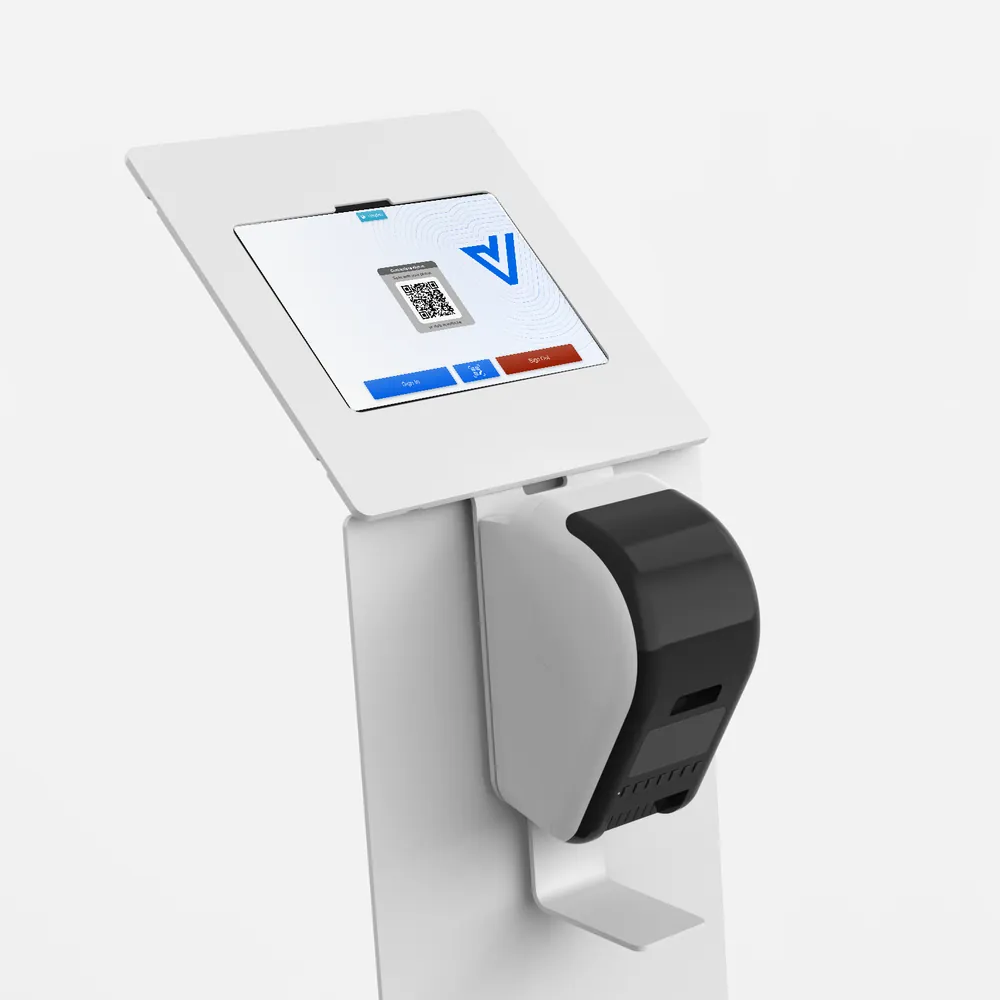
Wing + Brother
The Wing kiosk with a Brother printer mounted on its front panel. Our pick for a busy self-service entrance.
View at BouncepadFloor standing
For lobbies without a reception desk, and for entrances where visitors sign themselves in.
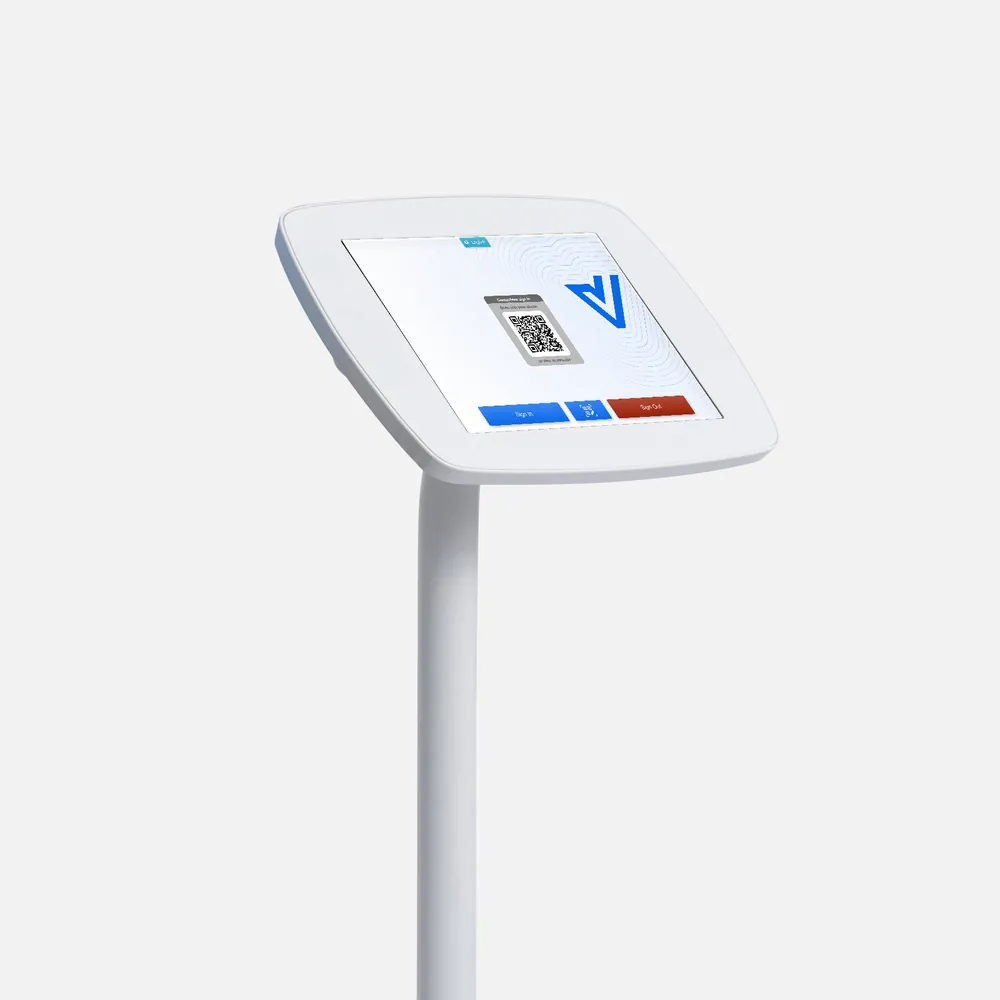
Floorstanding
A slim pole at standing height on a solid base that will not tip. Can be bolted to the floor.
View at Bouncepad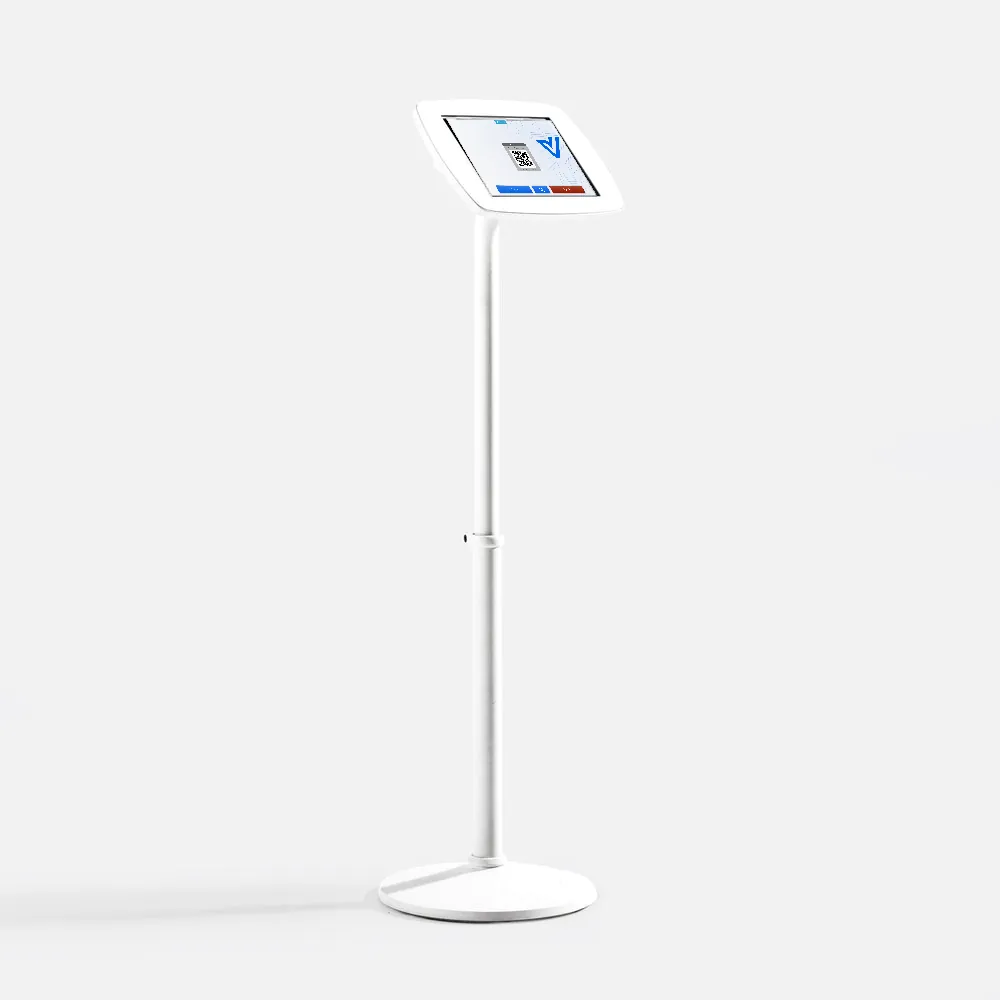
Elevate
A floor stand with an adjustable pole. Set the screen height once for standing visitors, or lower it for wheelchair users.
View at Bouncepad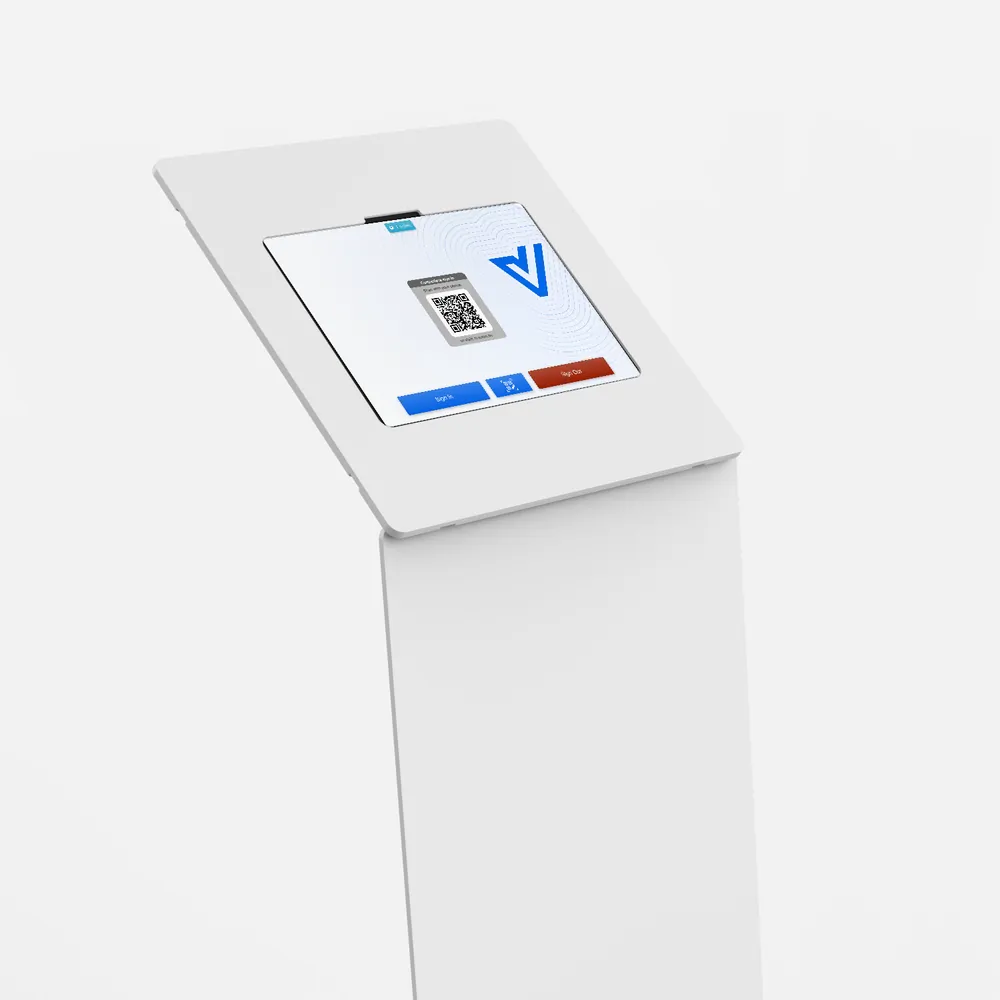
Wing
A sculpted kiosk with a large surface for your logo. Made for showrooms, headquarters and busy lobbies.
View at BouncepadBouncepad stands are sold and shipped by Bouncepad. Every model is available in white or black. The screens above show the Vizito welcome screen with the default Vizito splash image, which you can replace with your own under Account settings > Layout.
Setting up your tablet?
Our help center walks you through installing the Vizito app on an iPad, an Android tablet or a touchscreen PC, and lists the tablets we support.
Read the installation guideFrequently asked questions
-
Which tablet stand do you recommend for Vizito?
The Bouncepad Counter for Vizito. It stands on a reception desk without drilling, locks with a key and hides the charging cable. If you do not have a reception desk, choose a floor standing model such as the Floorstanding or the Wing.
-
Do the stands work with Android tablets?
Yes, with Samsung Galaxy Tab A models. Bouncepad lists the exact tablets each stand fits on its product page, so check your model before you order. Premium tablets such as the Galaxy Tab S series are not on that list.
-
Can I print visitor badges from a stand?
Yes. Pair the tablet with a Brother QL-820NWBc label printer on the same network. For floor standing models, Bouncepad sells a printer mount that holds the Brother printer on the stand itself.
-
Can I show my own branding on the tablet?
Yes. Upload your own splash image, logo and button colours under Account settings > Layout in the Vizito backoffice. The tablet picks up the change automatically.
 Hosted in Europe
 ISO 27001 Certified
 GDPR compliant
 No credit card required