Written: September 2, 2026
Vizito 2.0.3 brings a redesigned agreement and signature screen on the tablet, wallet passes for invited visitors, API keys for your integrations, more control over data retention and billing, and a long list of fixes across the tablet app, the backoffice, contactless sign-in and pre-registration. Here is everything that’s new, in plain language.
New features
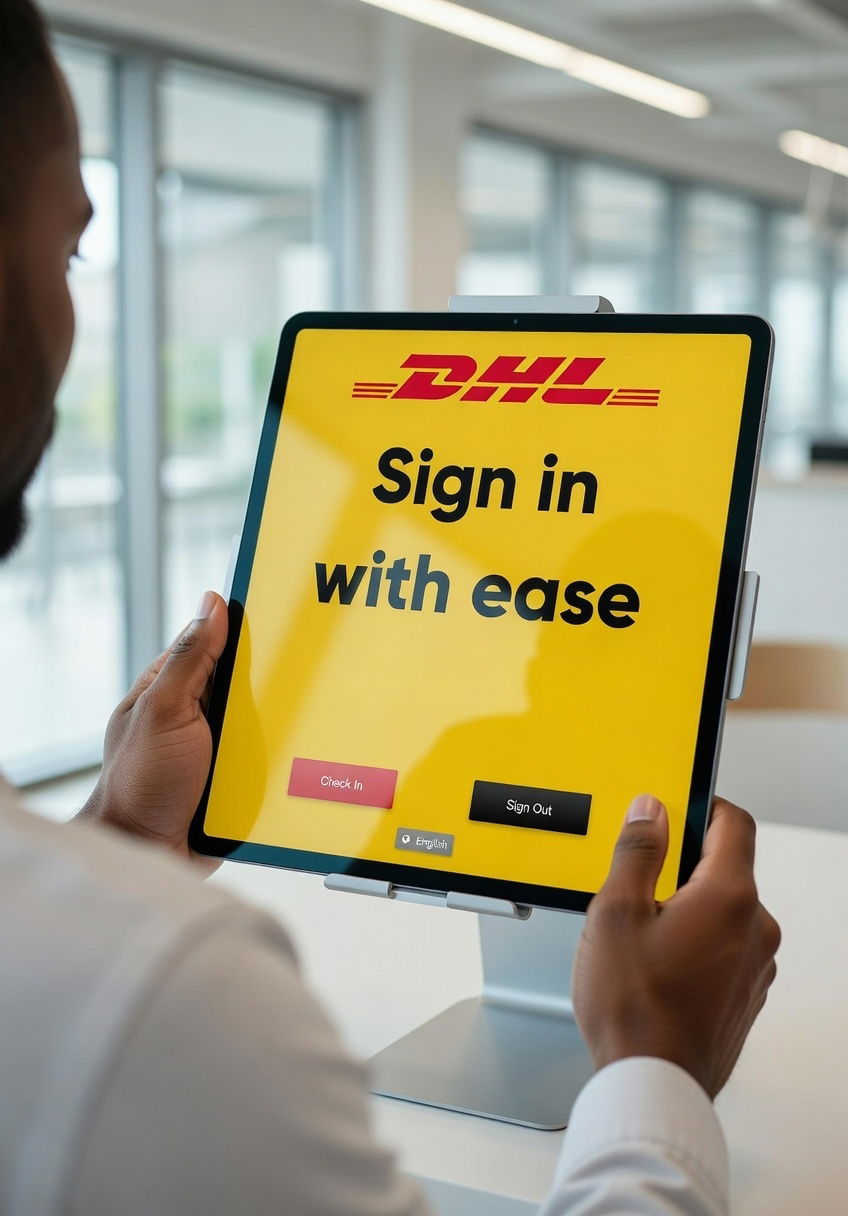
- Agreements and signatures now fill the screen. Agreements, the privacy statement and the signature step on the tablet are now full-page screens instead of a small dialog. The document scrolls while the Back and I agree buttons stay in place at the bottom, a PDF page always fits the screen, the page and zoom controls sit right under the document, and the signature box uses all the space that is left.
- Add the visit to Apple Wallet or Google Wallet. Invitation emails can now carry “Add to Apple Wallet” and “Add to Google Wallet” buttons. The pass holds the same QR code your reception scans, shows the visit details and the host, and appears on the visitor’s lock screen around the time of the appointment. Add the Wallet block to your invitation email to switch it on.
- The Wallet pass shows up at the door. Your tablets now broadcast an iBeacon signal, and all devices at the same location share one beacon identity, which you configure in the backoffice. When a visitor with the Wallet pass on their iPhone walks up to your reception, the pass appears on their lock screen, ready to be scanned.
- API keys for your integrations. Global admins can now create API keys under Account settings > Integrations > API keys, instead of sharing a user’s login with an integration. A key gets a name, an optional expiry date and an optional list of allowed IP addresses, only works for the locations you choose, and can be revoked at any time. The key is shown once, when you create it.
- Separate data retention for visitors and registered visitors. You can now set a different number of days for cleaning up visitors and registered visitors, instead of one setting for both.
- Manage your subscription yourself. The new self-service billing portal shows your invoice history and lets you update your company details, VAT number, PO number and invoice contacts, choose between PDF and UBL invoices, change your plan, update your payment method and request a cancellation. A usage meter in the backoffice warns you before you reach the limit of your plan.
- Sync several Entra ID groups, each with its own role. The Microsoft Entra ID (Azure AD) user sync now takes a list of groups, and you pick the backoffice role per group. Someone who is in several groups is synced once, with the highest of their roles, and a role you changed by hand in the backoffice is no longer reset every night.
- Entra ID user sync is now off by default. Connecting Entra ID synchronizes your hosts. Creating backoffice users from it is a bigger step, so it is now a choice you switch on yourself.
- Entra ID in the get-started wizard. The employee step of the wizard now explains that Vizito can synchronize your employees from Microsoft Entra ID and takes you straight to the integration page. Both buttons on that step now correctly mark it as completed.
- DKIM without SPF, and fewer verification steps. You can now set up DKIM signing for your sending email address without configuring SPF first. If your own email address is on the same domain as the sending address, the address is verified automatically and you only need to publish the DNS records.
- The tablet speaks your language from the first screen. The activation screen of a brand new tablet was English only. It now follows the language of the device in 16 languages.
- “Here to see” is no longer prefilled. When you sign in a visitor or add a registered visitor from the backoffice, the host field now stays empty until you fill it in. If you prefer the previous behaviour, switch on “Prefill ‘Here to see?’ with the logged-in user” under Advanced settings.
- Export the ID of visitors and registered visitors. Configure fields on the visitors and registered visitors lists now offers an ID column, which is included in the CSV and Excel exports.
- Clearer location settings. “Company address” in the global settings is now called “Location settings”, and the confirmation dialog for deleting a location now shows the name and code of the location you are about to delete.
- More reliable SMS delivery. We reworked how text messages are routed to our SMS providers and moved a dozen countries, including Switzerland, Denmark, Sweden, Spain, Italy, Poland, Austria, Mexico, Portugal and Luxembourg, to a better route.
Bugfixes
Tablet app
- Fixed the Help button covering the Back button on the welcome screen of tablets shared by several companies.
- The “Sign here” text in the signature box now scales to fit in languages with longer translations, such as German.
- The message shown after signing in or out now appears faster.
- When a visit type requires the complete name to find a returning visitor, the name field now says so, on both the sign-in and the sign-out screen.
- Fixed the DK-22251 (black and red) label roll on Android being recognized as a DK-22205 roll.
- Badges printed for registered visitors over Bluetooth from an iPad now correctly fill in the host’s phone number and the optional sign-in date and time parts.
- Fixed a rare case where a tablet that had never reported its app version could stop live updates reaching the other tablets of your company, and made sure contactless sign-in prints every badge exactly once.
Backoffice
- Fixed the visitor log failing to load when a custom field had been deleted and recreated under the same name with a different type.
- A custom field with the same name in several visit types now shows as a separate column per visit type in Configure fields, so you can show and filter each one on its own. Every question now also carries an icon for its type in Configure fields, on the App fields tab and in the visitor details.
- The current visitors tile on the dashboard and the Current visitors filter in the visitor list now honour the number of days a visitor can stay signed in, so a visitor who signed in yesterday and has not signed out yet is still listed.
- The monthly SMS counter on the dashboard showed today’s count instead of the month’s.
- Employees and security guards no longer see bulk actions, such as Sign out or Print badge, that their role does not allow.
- Security guards can no longer export the visitor list.
- The warning when uploading a logo or splash image that is too large now shows the correct maximum size in every language.
Invitations, email and notifications
- The sign-out button in visitor emails and the pre-register button in invitation emails now use the button colours from your layout settings instead of a fixed blue.
- Email addresses containing a long dash inserted by autocorrect are now cleaned up before sending, instead of the email silently never being delivered.
Contactless sign-in and pre-registration
- The contactless sign-in and pre-registration websites now show your logo on the background colour from your layout settings, so a white logo is no longer invisible on a white page.
- Registered visitors with values in hidden fields now get those values filled in when they sign in through contactless sign-in or from the backoffice, just like on the tablet, so they appear in the visit, the host notification, the badge and webhooks.
Integrations
- Entra ID user sync now correctly adds a user who already exists in another company, with the role you set for this company.
- The nightly Entra ID sync no longer removes users that were added by hand or that belong to your company through another Entra ID tenant.
- Signing in to the backoffice with Microsoft now respects the Conditional Access policies you configured for the Vizito application in Entra ID.
Reliability, privacy and behind the scenes
- Data retention now also removes registered visitors that have no planned visit date, so records created automatically at sign-in no longer linger.
- Our e-invoicing lookup now finds your organisation on the Peppol network by national business register number as well as VAT number, so more customers receive their invoices via Peppol.
- Various improvements to our internal alerting and error handling keep Vizito running smoothly.
Be sure to update the Vizito app on your tablet to the latest version to enjoy all the new features.
 Hosted in Europe
 ISO 27001 Certified
 GDPR compliant
 No credit card required