Notifications anywhere, anytime
When you integrate Vizito into your Slack workspace, Vizito will automatically send you a private message when your visitor arrives. No need to keep your email or phone at hand.
Set up guide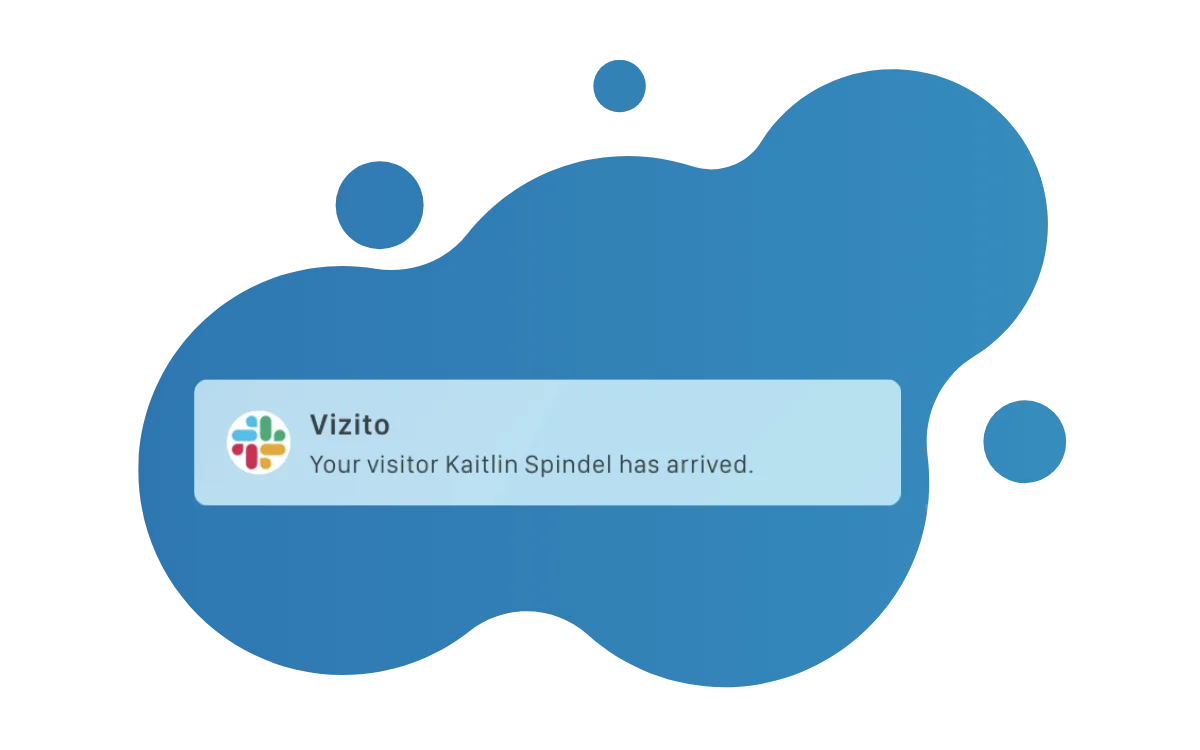
Transparent search
Quickly find out when a visitor has signed in through the superfast search within Slack. Slack will index all the notifications so that you can stay on top of your work.
Multiple platforms
Whether you prefer to receive notifications on your computer, smartphone or smartwatch, using the integration for Slack you can tweak the notifications to your own preferences.

Slack host notifications from your Visitor Management System (VMS)
For teams that live in Slack, having visitor sign in events show up right in the app where they already work is the most natural way to handle host notifications. Instead of checking email or watching the lobby, hosts get a direct message the moment their guest arrives, and can walk down already knowing the name and company of the visitor. Connecting your Visitor Management System (VMS) to Slack turns the front desk into just another channel of your workday.
What hosts receive
When a visitor signs in, the Vizito Slack bot sends a structured message to the host’s Slack DM containing the visitor’s name, company, purpose of visit, and - if configured - a photo. If the visitor was pre-registered, hosts can also get a pre-arrival alert a few minutes before the meeting starts, giving them a chance to finish what they are doing and head to reception on time.
Multi-location channel routing
For larger organizations, direct messages alone are not enough. Vizito can route notifications to specific Slack channels based on location, so the team at each office sees their own visitor registration activity without noise from other sites. A common setup:
- #reception-amsterdam for the Amsterdam office
- #reception-paris for the Paris office
- #security-hq for a centralized security team that monitors all entrances
This scales cleanly from a single office to a multi-site enterprise without creating alert fatigue.
Bot setup and permissions
Installation is a standard Slack OAuth flow: an admin authorizes the Vizito app, selects the channels it can post to, and maps Vizito hosts to their Slack accounts (usually by email). The bot only needs the minimum set of scopes required to send messages. There is a full step-by-step guide in the Vizito help center, and most teams are up and running in under ten minutes.
Pairing with other integrations
The Slack integration works best in combination with the rest of the Vizito integration suite. Sync hosts from Microsoft Entra ID or Google Workspace so that every new hire automatically becomes a valid notification target. Use pre-registration through calendar invites so the visitor is already in the system before they arrive. And use webhooks if you want to mirror the same events into another tool. Slack becomes one channel in a coherent digital reception workflow, not an isolated alerting system.
 Hosted in Europe
 ISO 27001 Certified
 GDPR compliant
 No credit card required