Bouncepad
Start with the stand
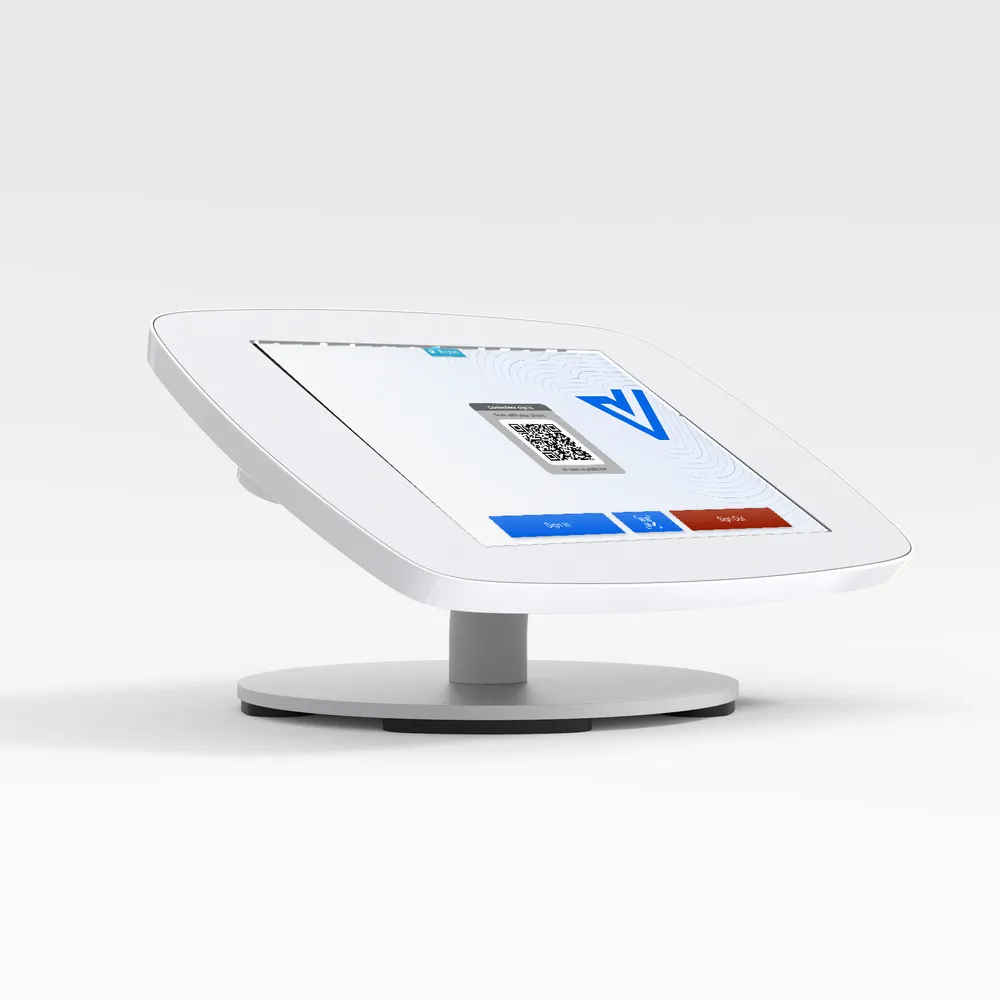
The stand is the first thing a visitor sees at your reception. We recommend the Bouncepad Counter for Vizito: it locks, hides the charging cable and stands on any desk without drilling.
Recommended hardware
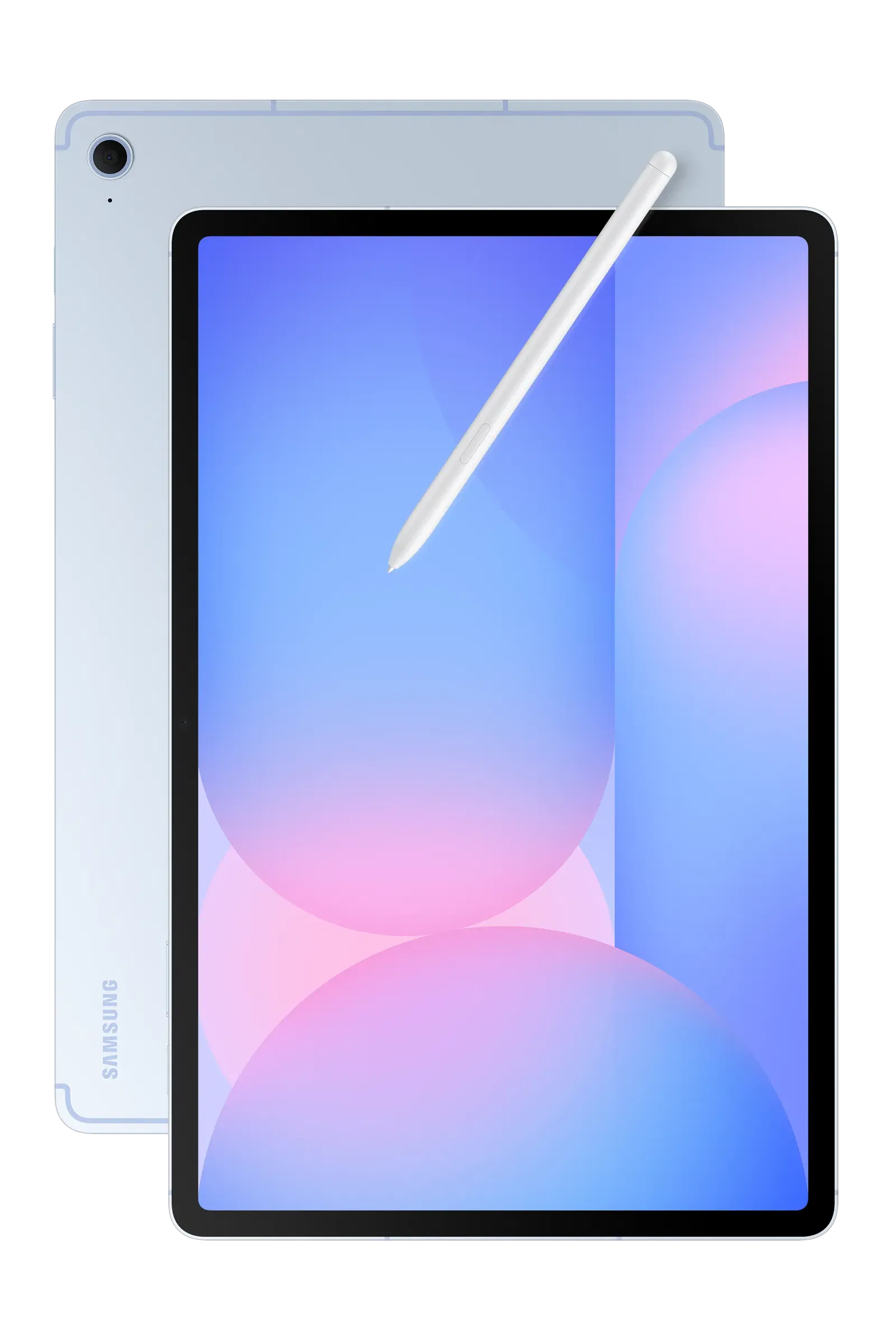
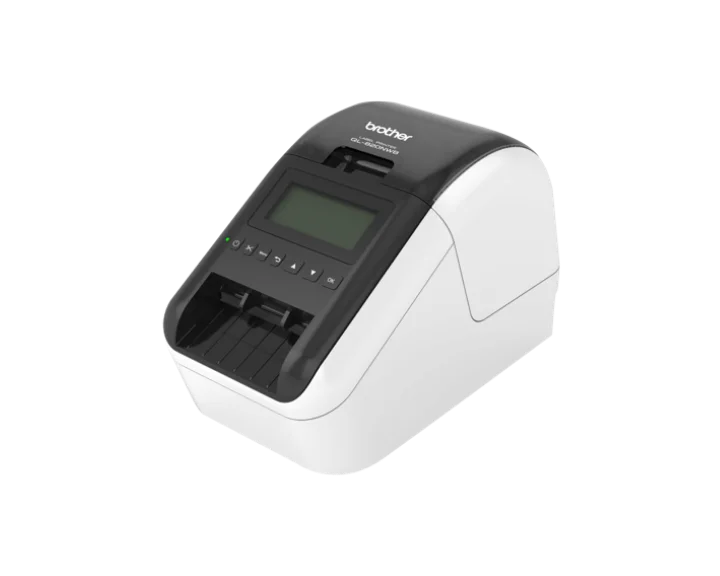
If you want to use a tablet, you can choose between Apple or Android devices. Pair it with a Brother label printer to print a visitor badge at every sign-in.

Additional hardware
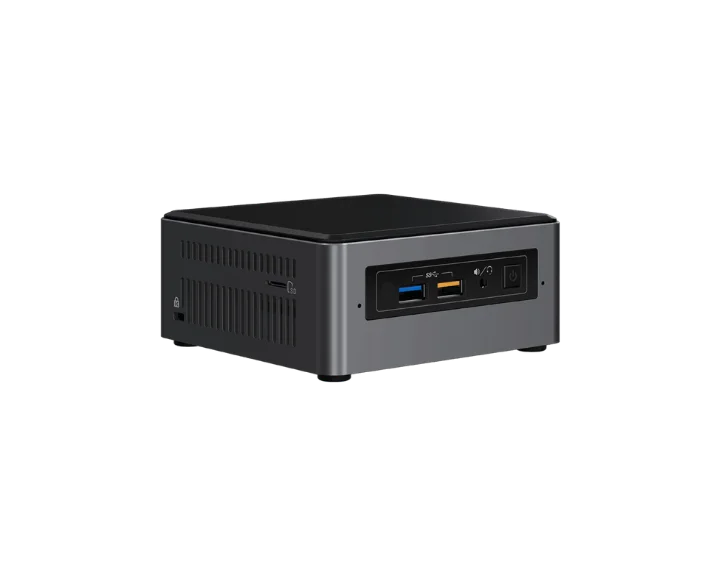
Does your organisation have strict hardware policies? Then you can run Vizito on a kiosk PC with a touchscreen instead of a tablet.
ASUS
NUC Mini PC
BuySetting up your tablet?
Our help center walks you through installing the Vizito app on an iPad, an Android tablet or a touchscreen PC, and lists the tablets we support.
Read the installation guideChoosing the right hardware for your Visitor Management System (VMS)
The hardware you place at reception shapes the first impression visitors have of your organization. A Visitor Management System (VMS) is only as reliable as the device it runs on, so it pays to think about form factor, operating system, mounting, and connectivity before you order anything.
Tablets vs kiosk PCs
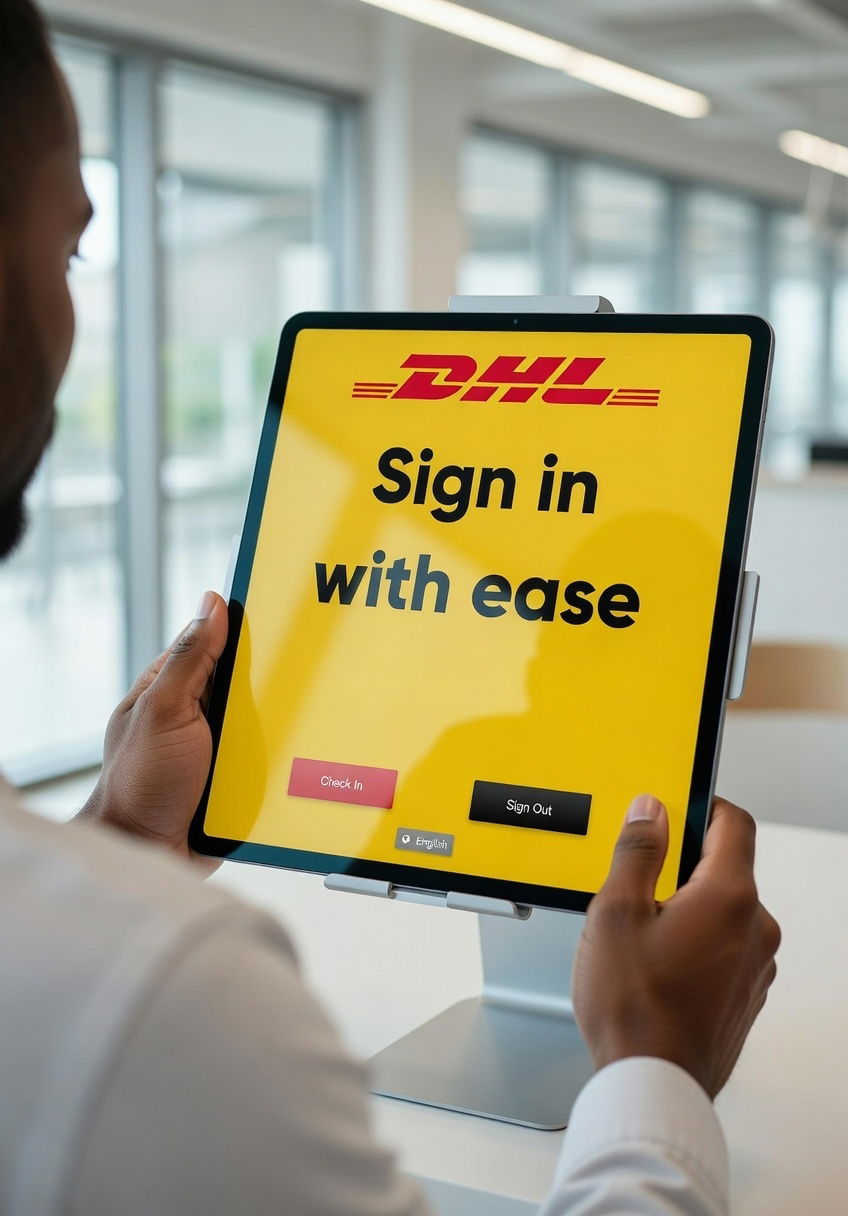
For most offices, a tablet is the simplest route to a professional digital reception. iPads are a safe default: long software support, predictable updates, and excellent touch responsiveness. Android tablets (Samsung Galaxy Tab, Lenovo Tab) are more flexible on price and support kiosk-mode lockdown through MDM tools. Kiosk PCs with a touchscreen are a good fit when your IT department has strict hardware standards, needs wired ethernet, or wants to integrate with access control panels already running on Windows.
- iOS: polished experience, minimal maintenance, longer device lifespan.
- Android: lower entry cost, broader hardware choice, easier custom MDM policies.
- Windows kiosk PC: fits regulated environments and legacy IT estates.
Mounting, printers and peripherals
A good mount keeps the tablet stable and prevents theft. Wall mounts work well in narrow lobbies, desk or counter stands fit staffed receptions, and floor stands are ideal for open entrances in factories or warehouses. Pair the tablet with a Brother QL-series label printer to print visitor badges automatically on sign in. Badges make it easy for staff to spot unescorted visitors and add a layer of trust to your visitor registration process.
Connectivity and environment
Every VMS needs a stable internet connection. WiFi is fine for most sites, but busy entrances with metal doors or thick walls benefit from wired ethernet via a USB-C or Lightning adapter. For remote sites, construction trailers, or pop-up events, a 4G/5G router as fallback keeps visitor sign in working even when the main line is down. In harsh environments (factories, logistics, food production) consider rugged tablets with IP-rated enclosures and anti-glare screens.
BYOD and total cost of ownership
If you prefer contactless sign in, visitors can use their own phone to register via a QR code and skip the kiosk entirely. This BYOD approach removes hardware cost for unstaffed entrances. When calculating total cost of ownership, factor in the device, mount, printer, label rolls, MDM licensing, and the expected 3 to 5 year replacement cycle. The right combination keeps your front desk software running reliably for years.
 Hosted in Europe
 ISO 27001 Certified
 GDPR compliant
 No credit card required