Oct 26, 2026
Outsourced reception: who is responsible for your visitor data?
In this article, we discuss why on-site visibility matters for health and safety, how to pull attendance data for employees, visitors and contractors into one reliable list, and what a digital visitor log can and cannot prove. We also look at how a real-time on-site list supports safety walks, contractor inductions, incident investigations and evacuations.

When the fire alarm goes off, the first thing anyone asks is: is everyone out? To answer that, you need an accurate list of who is on site, and you need it within minutes. Yet many organisations would struggle to produce one at short notice.
It is rarely that the data does not exist. It is that it lives in too many places. Employees badge in through access control or clock in on a time and attendance system. Visitors sign in at reception. Contractors report to the gatehouse or a site office. And anyone who forgets to sign out stays on the list long after they have gone home. Put together, you get a patchy picture of who is actually on the premises.
For an HSE manager or health and safety advisor, that is a serious gap. Keeping people safe starts with knowing who is there. Who is in the building right now? Where are they supposed to be? And have they had the safety briefing they need?
In this article, we look at why on-site visibility matters, how to build a live attendance list you can rely on, and where a digital visitor log fits in.
On-site visibility means being able to see, at any moment, exactly who is in your buildings or on your premises.
A visitor log alone does not give you that. It tells you who was expected and who signed in. A real-time on-site list tells you who is physically there right now: employees, visitors, customers, contractors and subcontractors, suppliers, maintenance engineers, event guests, agency workers and anyone else on site.
This is not just a security concern. The HSE or QHSE manager is accountable for a safe working environment, and during an emergency, an audit or a drill, a real-time on-site list is one of the most important sources of information they have. It speeds up decisions in the moment and gives you a record of which safety procedures were followed afterwards.
Who does what?
- HSE manager: responsible for health, safety and environment. Also known as an EHS or SHE manager.
- QHSE manager: adds quality to the HSE remit. Also known as an HSEQ or QESH manager.
- Health and safety advisor or officer: advises on workplace safety and supports the day-to-day safety policy. In Belgium, this role is called the prevention advisor.
- Fire warden or fire marshal: sweeps a floor or zone during an evacuation and confirms that everyone is out.
- Site safety coordinator: coordinates safety measures, typically on construction, maintenance or engineering projects.
When something goes wrong, a real-time on-site list is what lets you act calmly instead of guessing. Here are four situations where you will be glad you have one.
On a safety walk, an HSE officer or health and safety advisor tours the workplace looking for hazards. They check the environment, machinery, materials, processes and how people are working. The goal is to catch risks early, prevent accidents and keep safety front of mind for everyone on site.
To do that well, you need to know which employees, agency workers, contractors, engineers and other external people are working on site that day. It lets you:

Contractors usually face more risk than other visitors, especially in sectors such as construction. They do hands-on work, use tools and machinery, and often go into areas with their own safety rules.
That is why their sign-in tends to include extra steps: watching a safety video, reading and accepting site rules, or confirming they have the right PPE. On many sites, contractors are not allowed past the gate until those steps are done.
With digital visitor registration, your live visitor list also records which inductions, documents and instructions each person has received and signed. HSE can use it to grant access and to make sure nobody is working without knowing the risks.
If a contractor is involved in an accident at work, those records show exactly which safety information was given and accepted. And during external audits, the same records prove that your contractor safety policy is applied every time, not just on paper.
After an incident, investigators need to piece together what happened. Who was there? When did they arrive? Who were they visiting? Which outside companies were on site that day? Without a reliable attendance record, those questions are very hard to answer.
A digital visitor log lets you go back in time: identify witnesses, see which companies, contractors or suppliers were involved, and build an accurate timeline.
Knowing who was working at the time also helps you understand the wider circumstances. Was the site short-staffed? Were there a lot of new starters or external workers on shift?
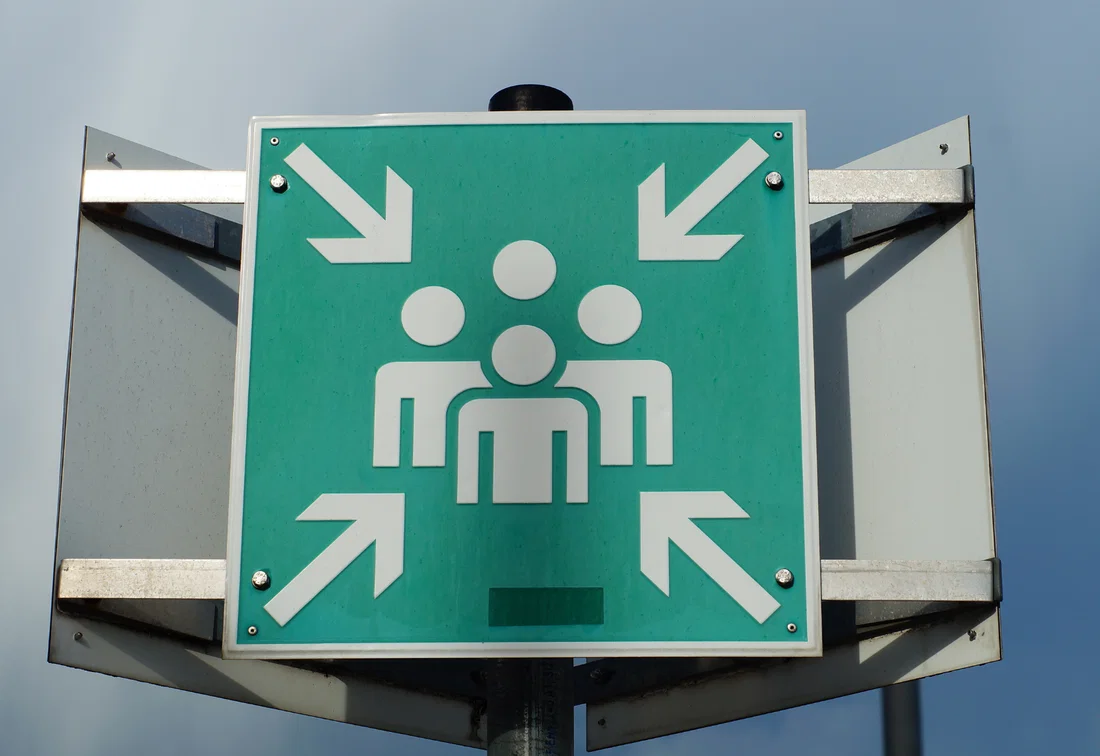
In an evacuation, a half-filled, hard-to-read paper signing-in book is not good enough. The emergency team needs to know, as precisely as possible, who is still inside. An up-to-date list shows who has to be accounted for at the assembly point.
If visitors sign in and out digitally, you always have a live visitor list of everyone in the building. A good emergency evacuation list also works outside the building, on a phone or tablet, so fire wardens can use it at the assembly point to mark people as safe and see straight away who is missing.
Read also: Visitor Management Systems and Emergency Preparedness: A Comprehensive Guide
In practice, visitor lists often let you down. Paper sheets are illegible or half-completed. Visitors forget to sign out. Staff and external people are tracked in separate systems. And sometimes it only becomes clear mid-evacuation that the list is sitting on a computer inside the building.
These nine steps will help you build a real-time on-site list you can actually depend on.
Most visitors come through reception, but that is rarely the only way in. Look beyond the main entrance and list every other route onto the site: car parks, staff entrances, warehouses, loading bays and temporary access points.
Good site attendance tracking starts with clear categories for everyone who comes on site: employees, visitors, contractors, suppliers, agency staff, interview candidates, event guests and so on.
Registration only works if every non-employee signs in through the same central system. Running several systems side by side is almost as bad as paper: you still never get one reliable list. With a single digital visitor management system (VMS), all the data lands in one place.
One system does not mean one process for everyone. An office visitor needs different information from a contractor doing high-risk work, so set up separate workflows for each visitor type in your visitor management system.
Someone coming in for a meeting might only need directions, while a contractor gets information on PPE, site rules and restricted areas. With the right workflows, sign-in becomes part of your safety process rather than a box-ticking exercise.
The more complicated sign-in is, the more likely people are to skip it or get it wrong. Keep it short and only ask for what you need for the visit, security and safety. Pick the method, or mix of methods, that suits your site:
If visitors sign in but never sign out, your list gets less accurate with every hour. People who left at lunchtime still show as on site. That is a real risk: in an emergency, responders could end up searching for someone who went home hours ago.
So make sure visitors sign out when they leave. With digital visitor registration, that usually happens on the same kiosk they used to sign in. Other options include scanning a QR code, signing out at reception, an automatic reminder, an access control integration or a check by the host.
Setting an expected departure time can help, but it has its own risks. A meeting overruns, and suddenly your list says someone has left when they are still in the building. Think carefully about which sign-out method is most reliable for your organisation.
Once you are collecting the right data, the next challenge is turning it into one complete, up-to-date and usable view of everyone on site.
Your visitor management system shows which visitors and contractors are signed in. You may also have access control or time and attendance for employees, and a yard management system for suppliers and drivers. Connect these systems where it makes sense, so your HSE team can see who is on site the moment they need to.
Separate staff and visitor lists can also work, as long as the right people know both exist and can pull them up quickly.
Decide who needs access to the list, which also doubles as your emergency evacuation list. Think through the roles in your organisation. Who is responsible for safety? Who does the safety walks? Who checks that everyone is out during an evacuation? And who covers when they are off?
Depending on their role, you might give access to receptionists, the HSE team, security staff, first aiders, fire wardens, evacuation coordinators and your emergency response team.
Make sure the list works on mobile devices and outside the building, and have a fallback plan for network or power failures.
With the previous steps in place, it is time to test everything for real. The last thing you want is to find out during an actual emergency that the list is incomplete or nobody can open it.
Run regular fire drills and check that the right people can open and use the list quickly, and that it is complete and accurate. Check that it loads on a phone, and what happens if the Wi-Fi or power goes down.
Note any problems during the drill and use them to improve both the system and your procedures.

A digital visitor registration system is a strong foundation for HSE visitor management. But as we said earlier, a visitor log is not the same thing as a live on-site list. Here is what a digital visitor log can tell you, and where you will need integrations and extra checks to get the full real-time picture.
A well-run digital visitor log can answer questions like:
That makes it valuable for day-to-day safety work, evacuations and incident investigations.
A visitor log is not a full tracking or safety control system, and people still make mistakes. A visitor tailgates someone through a door, or forgets to sign out. That is where extra processes and integrations come in.
If someone comes in without signing in, they are not on the list. Think of a visitor who follows a colleague through a door, an unmanned side entrance, or a supplier who drives straight round to the warehouse. Following the steps in this article helps make sure nobody slips through the net.
A registration does not prove that someone is still physically on site. A visitor may have been pre-registered and never turned up. Someone else may have left without signing out. That is why it matters to distinguish between an invitation, a check-in and a confirmed check-out.
A check-in tells you someone has arrived. It does not tell you which building, floor or zone they are in at any given moment. For that, you need additional processes or systems, such as zone-based access control.
A digital sign-off shows that someone was shown the safety instructions and accepted them. It does not prove they understood them, or that they follow them once they are on the job.
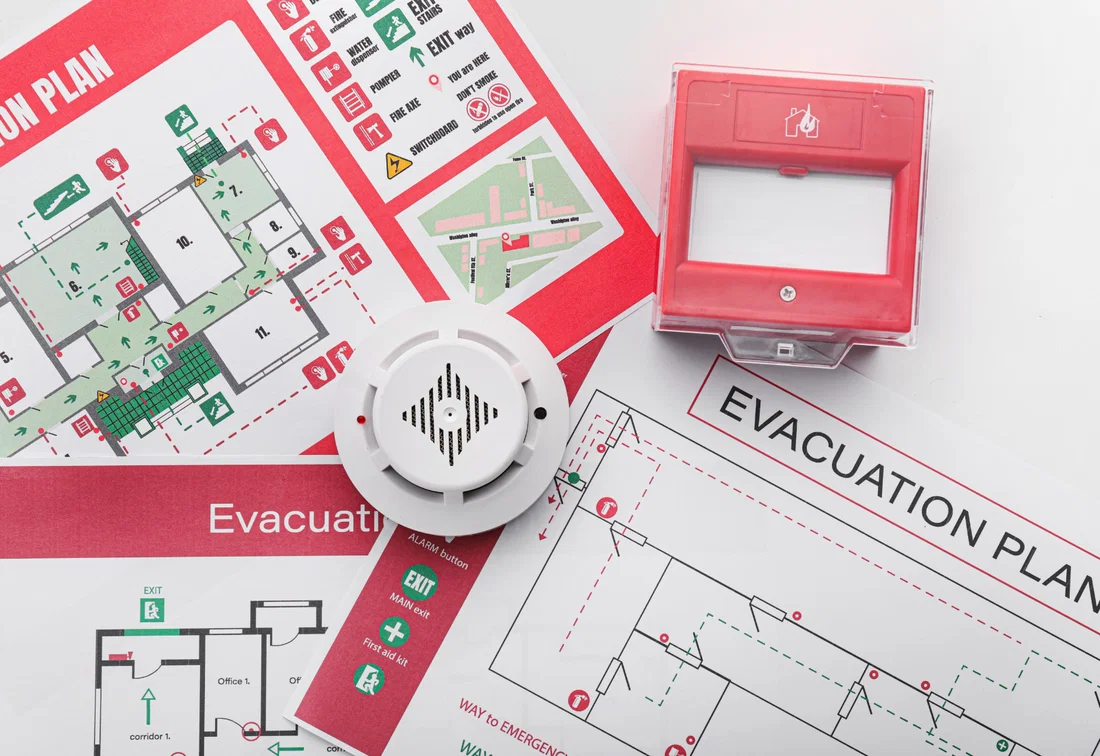
A VMS does not replace supervision and safety walks on the shop floor. A live on-site list is one part of your emergency preparedness, alongside an evacuation plan, trained first aiders and fire wardens, clearly marked assembly points, communication procedures and regular drills.
Use this checklist to see how your current process holds up:
If you cannot tick every box, the problem is probably not just the software. It is a sign to take a closer look at your processes, and a clear visitor management policy is a good place to start. An attendance list is only truly reliable when your systems and procedures work together.
An attendance list is only useful if you can trust it. When it counts, you need to know exactly who is in your building, which means the list has to be accurate at all times.
A digital visitor management system centralises sign-in, records every safety step and gives you an up-to-date list of everyone on site. Combined with clear procedures and consistent registration, it gives you real on-site visibility. For an HSE manager or health and safety advisor, that is essential for safety walks, contractor inductions, incident investigations and evacuations.
So the real question is not “Do you have a visitor log?” It is “When it matters, can you be sure who is on site?”
Want to know who is on site at any moment? See what Vizito can do for you and start your free 14-day trial.
 Hosted in Europe
 ISO 27001 Certified
 GDPR compliant
 249+ reviews
 No credit card required
Our chat could not load
A content blocker or privacy extension is blocking client.crisp.chat, the service that runs our chat. Allow that address and try again, or reach us another way.
Contact us instead