Oct 15, 2026
Who Is on Site Right Now? An HSE Manager’s Guide to On-Site Visibility
In this article, we discuss why truck driver check-in often causes delays and how digital visitor management helps reduce waiting times at the gate and on site, from pre-registration and document checks to dock assignment and departure.
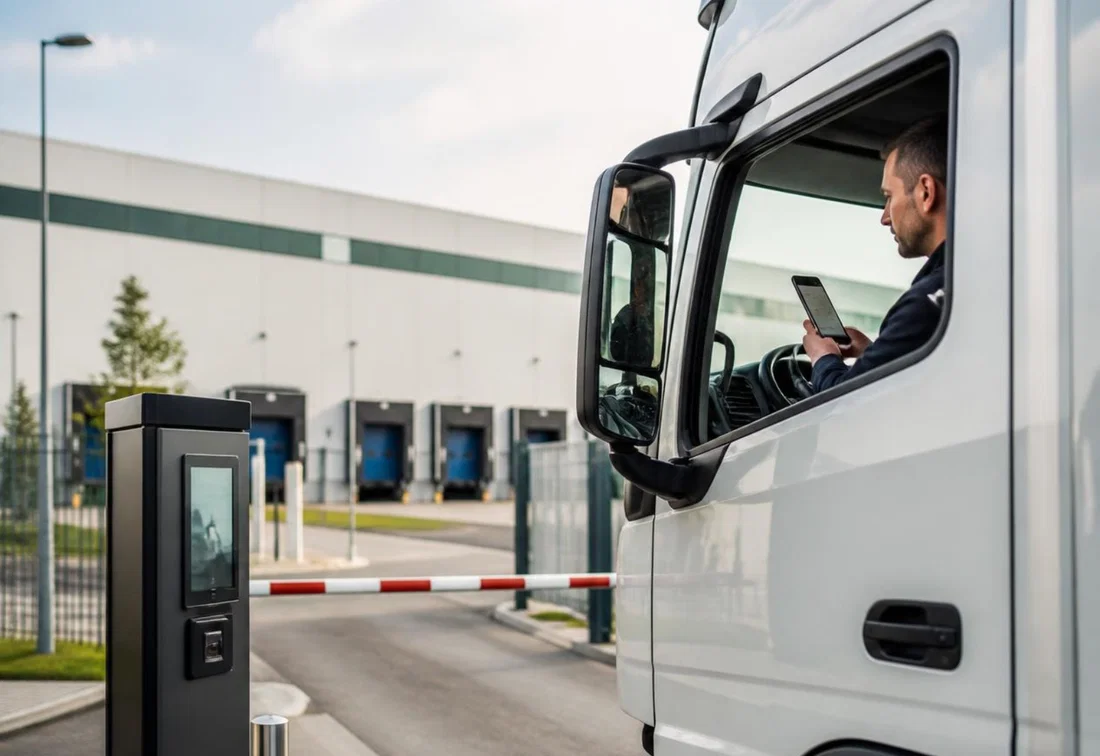
Waiting times at customer sites rank among the biggest concerns of transport companies, according to the American Transportation Research Institute (ATRI). ATRI research shows that in 2023, drivers were delayed at 39.3 percent of all stops. Over a full year, that cost each driver 117 to 209 hours. In commercial freight transport alone, the total time lost added up to more than 135 million hours.
A truck standing still at the gate triggers a chain reaction of operational problems. Throughput slows down, congestion builds up on site, detention costs rise, drivers get frustrated and later appointments come under pressure.
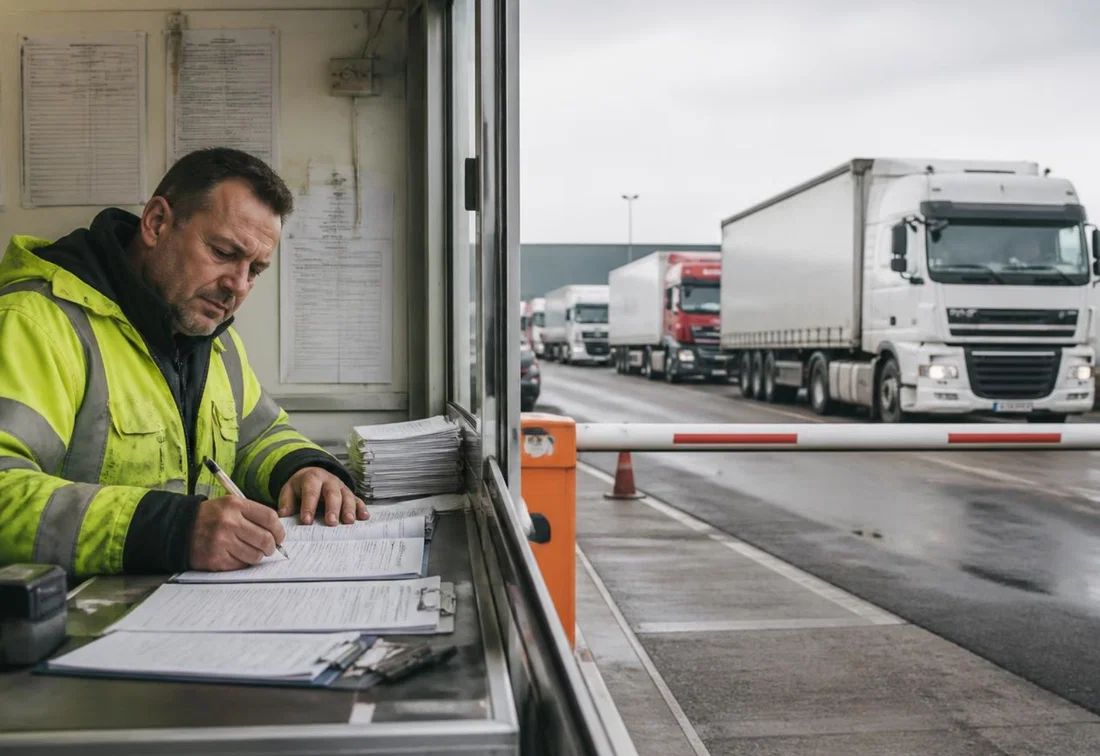
One of the causes is an inefficient truck driver check-in process at the gate. Drivers have to get out of the cab, wait for a staff member, fill in paper forms and pass on information verbally. Before you know it, a driver is 45 minutes in for a sign-in that should only take a few minutes.
A digital driver sign in system helps reduce waiting times at the gate and improve the flow of traffic on site. In this blog, we discuss how digital visitor management improves gate check-in logistics. We look at pre-registration, document checks, multilingual safety instructions, automatic notifications and dock scheduling.
A truck driver arrives at the gate, gets out and presses the buzzer. He then waits for a staff member to answer through a crackling intercom and open the barrier. Once on site, the driver has to sign in again, fill in paper forms and have his documents checked. Meanwhile, the warehouse may not even know he has arrived, and the assigned loading dock may still be occupied.
Sounds frustrating? Yet this is how it often goes in practice. Small delays quickly pile up and lead to chaos on site. The following bottlenecks in particular make truck driver check-in unnecessarily time-consuming.
Names, license plates, trip details and loading references are often written down or retyped by hand. That takes time and increases the risk of incomplete or incorrect data. Checking a driving license, transport documents and any ADR documents can also slow down the process, especially when information is missing or hard to find.
International drivers do not always understand the staff member at the gate or the written instructions. That makes it harder to clearly communicate safety rules, driving routes and loading or unloading procedures. Staff have to give extra explanations, while the risk of misunderstandings remains.
After registration, the arrival often has to be passed on by phone or email. If the right person cannot be reached, the driver keeps waiting. Gate staff also do not always know whether the warehouse is ready to receive the truck. As a result, there is no up-to-date overview of who has arrived and what action is needed.
When several trucks arrive at the same time, queues quickly form. Without a link between gate check-in and dock scheduling, drivers are sent through too early or stay in a waiting zone longer than necessary. A single delayed registration can then affect all subsequent appointments.
Read also: Smart yard management for logistics and transport sites
A visitor management system (VMS) brings the different steps of driver registration together in one digital workflow. This speeds up gate check-in logistics and gives gate staff, planners and warehouse employees the same up-to-date information.
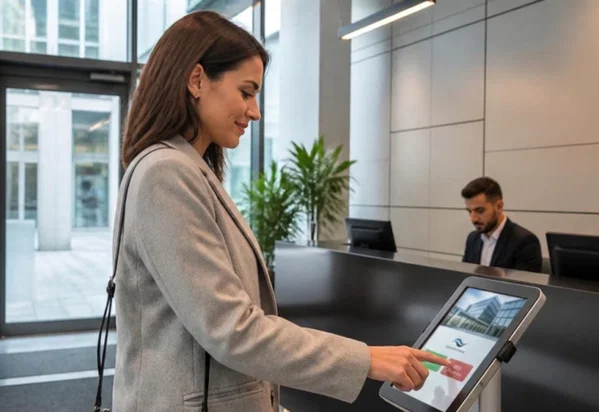
Drivers can be pre-registered and submit their contact, vehicle and trip details digitally. Relevant data and documents, such as a loading reference and any ADR documents, can also be added in advance. After pre-registration, they receive a unique QR code, for example by email or text message. On arrival, they scan that code at the gate or on their smartphone, and the pre-filled data is retrieved immediately. The driver only has to verify or complete the information, if needed from the cab. That saves time and reduces input errors and missing data.
A VMS automatically shows safety rules and practical information in the driver’s language. Text can be supplemented with pictograms or videos to clearly explain driving routes, mandatory protective equipment and loading and unloading procedures. The driver confirms digitally that he has read the instructions and agrees to them.
As soon as a driver has checked in, the planner, the warehouse or the responsible employee automatically receives a notification. They immediately see who has arrived, for which trip and whether all required documents are in order. Loose phone calls and confusion between gate, planning and warehouse are no longer needed.
By integrating gate check-in with dock scheduling, a driver can be sent straight to the right waiting zone or loading dock. If the dock is still occupied, he receives a message as soon as he is cleared to drive on. That prevents unnecessary movements, congestion and long waiting times on site.
An efficient check-in process guides the driver step by step: from pre-registration to leaving the site.
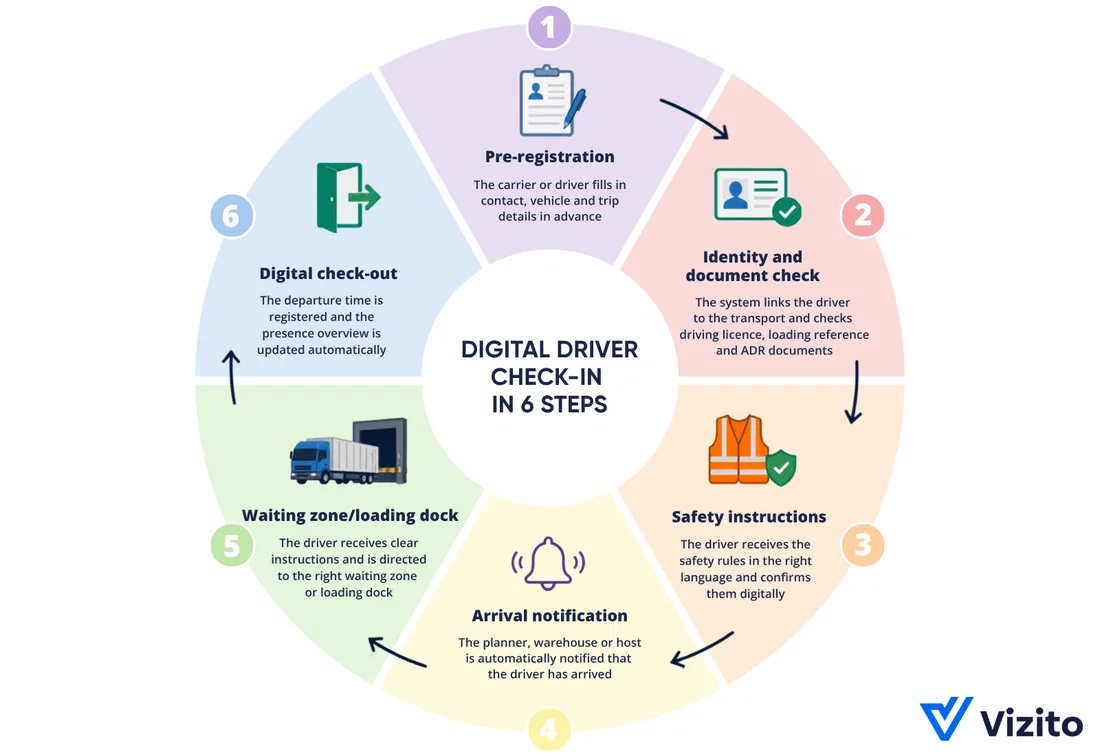
With a digital visitor management system, the driver can be registered in advance. The planner, carrier or the driver himself fills in the necessary contact, vehicle and trip details, such as the driver’s name, the license plate, the expected arrival time and the loading reference. The driver then receives a unique QR code to sign in quickly on arrival. For unannounced drivers, a separate registration on arrival remains possible.
Through an integration with automatic number plate recognition (ANPR), the license plate can be recognized at the barrier and matched to the pre-registration. By also integrating visitor management with the access control of the logistics site, the barrier can open automatically after a successful check.
If needed, the driver can scan his driving license or identity document. The loading reference and relevant ADR documents are submitted digitally and can then be checked. Only request the information that is strictly necessary. An identity check is not the same as storing a full copy of a driving license or passport. Set appropriate access rights and retention periods in line with the GDPR.
The driver automatically sees all the necessary information, such as instructions and safety rules, in the right language. Text, pictograms and videos can clarify driving routes, mandatory protective equipment and loading and unloading procedures, among other things. The driver then confirms digitally that he has read the instructions.
Once the check-in is complete, the planner, the warehouse or the responsible employee automatically receives a notification. If a document is missing or the driver arrives too early or too late, that deviation is flagged immediately.
By connecting your VMS to dock scheduling, the driver is automatically assigned a waiting zone or loading dock. The instructions appear on screen or are sent by text message.
The driver can also receive a temporary visitor badge or digital QR code. He uses it to sign in at the assigned loading dock, after which his status is updated automatically and the loading or unloading team receives a notification.
If the dock is still occupied, the driver stays in the designated waiting zone until he is cleared to drive on. Staff can follow the status of every truck in real time.
After loading or unloading, the activity is completed and the departure time is recorded. The presence overview and visit data are updated automatically. At any moment, it is clear which drivers and vehicles are still on site.
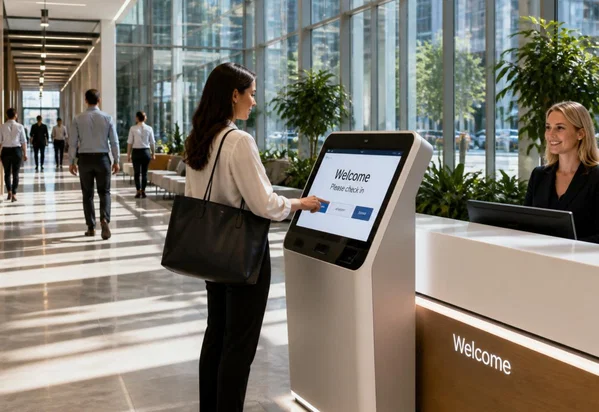
A digital check-in system not only improves internal processes, but also makes arrival simpler and clearer for drivers.

An efficient check-in system for truck drivers supports the entire arrival flow. When comparing dock scheduling visitor management software for driver registration, look for these features:
Above all, choose a system that fits your existing logistics processes and is easy to use for both drivers and staff.
Research shows that truck drivers lose 117 to 209 hours a year to waiting times at customer sites. It does not have to be that way. A VMS replaces clunky, manual processes with a streamlined digital truck driver check-in system. That means shorter waiting times, less manual work and less frustration.
With a VMS you can, among other things:
This creates a faster, safer and more controllable arrival flow for both your staff and your drivers.
Ready for smoother driver registration? Try Vizito for logistics free for 14 days or book a demo.
 Hosted in Europe
 ISO 27001 Certified
 GDPR compliant
 249+ reviews
 No credit card required
Our chat could not load
A content blocker or privacy extension is blocking client.crisp.chat, the service that runs our chat. Allow that address and try again, or reach us another way.
Contact us instead