Oct 15, 2026
Who Is on Site Right Now? An HSE Manager’s Guide to On-Site Visibility
What does a receptionist do? The key duties, tasks and responsibilities of a receptionist in a modern company, from greeting visitors to administration and communication.

A receptionist’s core duties in 2026 include greeting visitors with digital check-in systems, answering and routing calls, processing mail, managing appointments and meeting rooms, performing administrative tasks, maintaining the reception area, and helping monitor safety and GDPR compliance. Digitization has shifted the role from manual paperwork to coordination and hospitality, with tools like visitor management systems handling pre-registration, badge printing, and automatic host notifications.
A receptionist (or front desk officer) works at the reception of a company. They are the first point of contact for visitors, customers, and suppliers. This happens in person and over the phone. Their duties: receive and register visitors, answer phones and emails, manage appointments and building access, and keep the reception area tidy. Most tasks are digital. Common tools include visitor management, access control, room booking, and linked calendars.
Receptionists work in almost every sector. The U.S. Bureau of Labor Statistics reports that 45% work in healthcare and social services. Another 11% are in professional, scientific, and technical services. 7% work in personal services. 4% in religious, philanthropic, or social orgs. And 3% in admin support.
In recent years, the role of receptionists has shifted significantly from being executive and paper-driven to being more coordinating and digital:
Are you curious about which skills make a difference at the front desk? In this article, we list the most important receptionist skills.
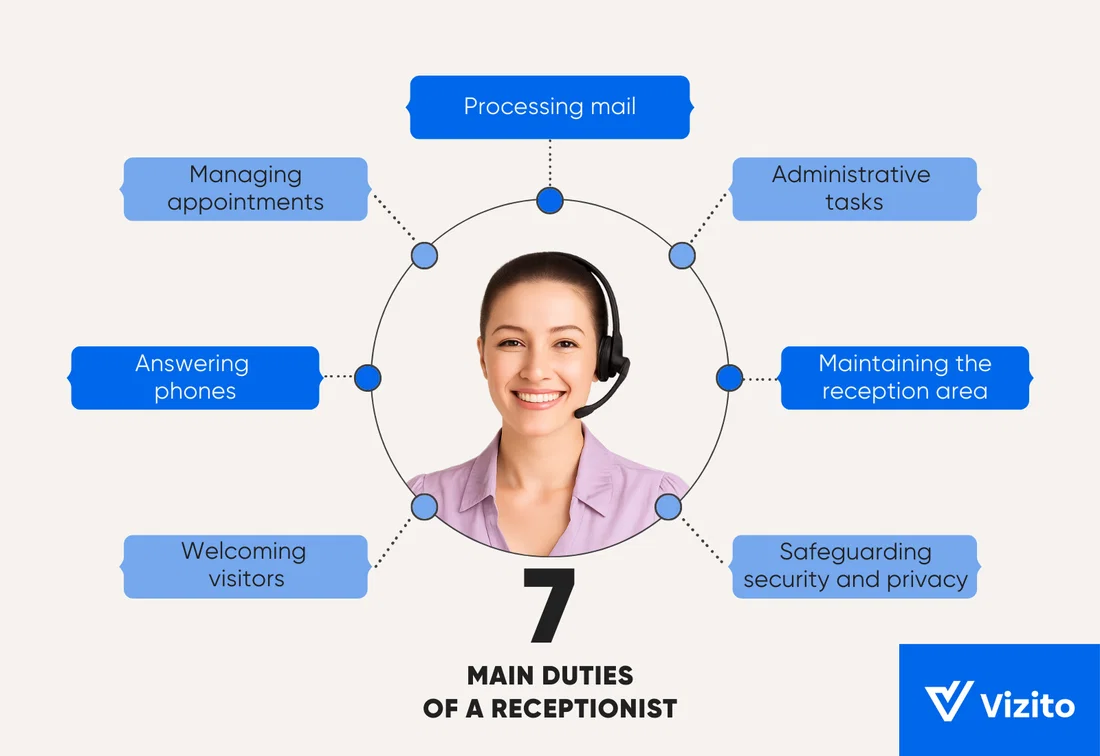
The specific responsibilities of receptionists vary depending on the employer. Generally, these are the main reception duties:
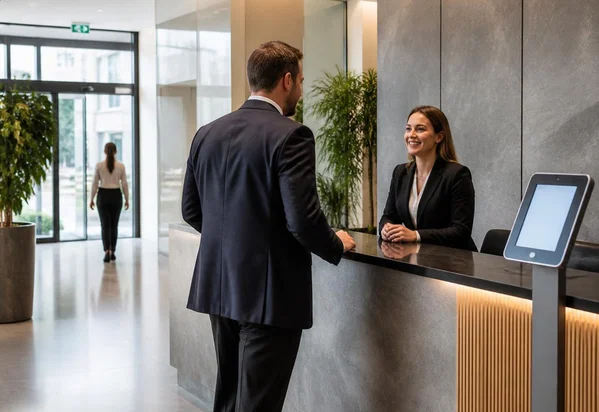
As a receptionist, welcoming visitors is your job. The way this works has changed a lot in recent years.
In the past, welcoming a guest took time. Visitors signed in on paper. Appointments had to be checked. Documents had to be printed for signing. A badge had to be printed by hand. The host had to be called. Then the visitor was shown to their destination or the waiting room.
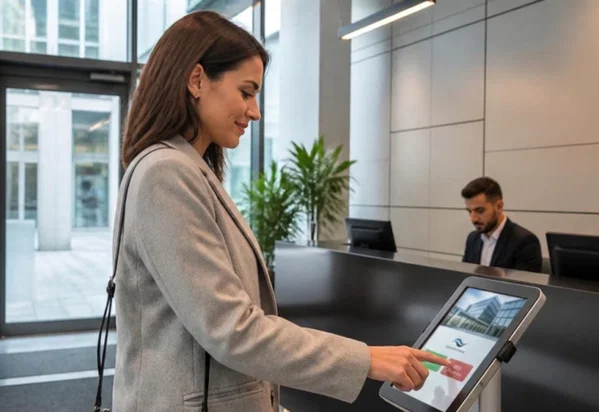
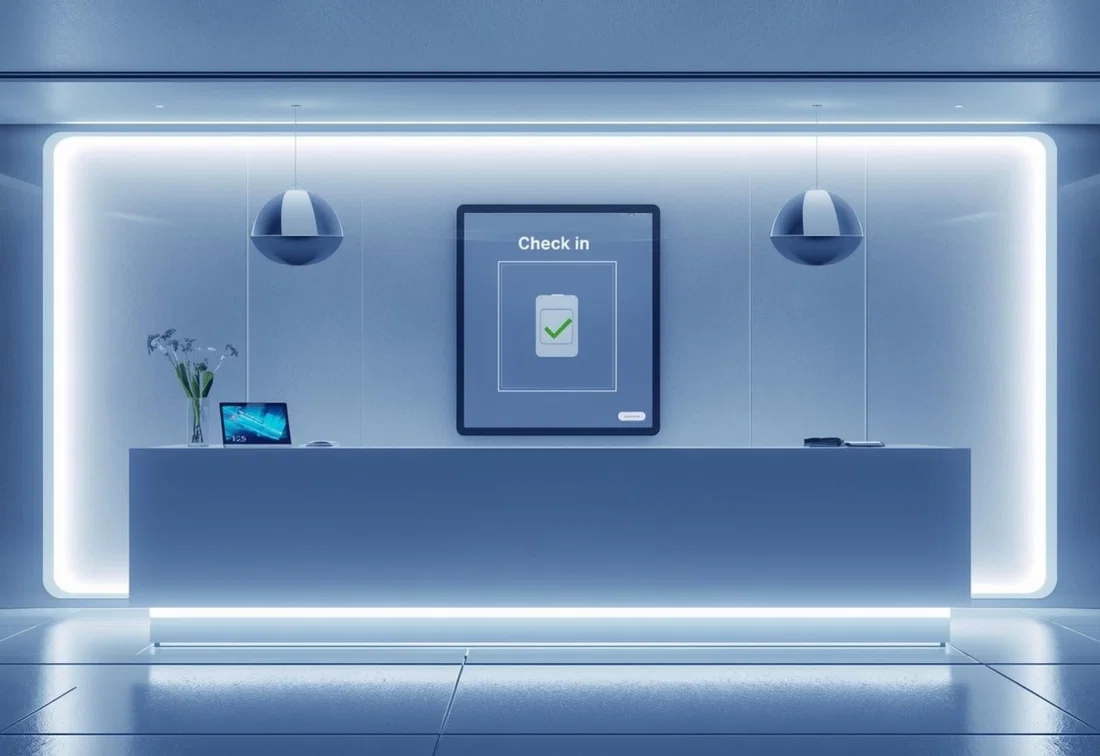
Now, all this happens digitally. Visitors pre-register via a digital invite. They check in fast at a digital kiosk. Any forms - NDAs, safety rules - get signed on screen. A badge prints automatically. The host is alerted the moment their visitor arrives.
This frees up time for receptionists. They can focus on a warm welcome, answering questions, helping with directions, and explaining house rules.
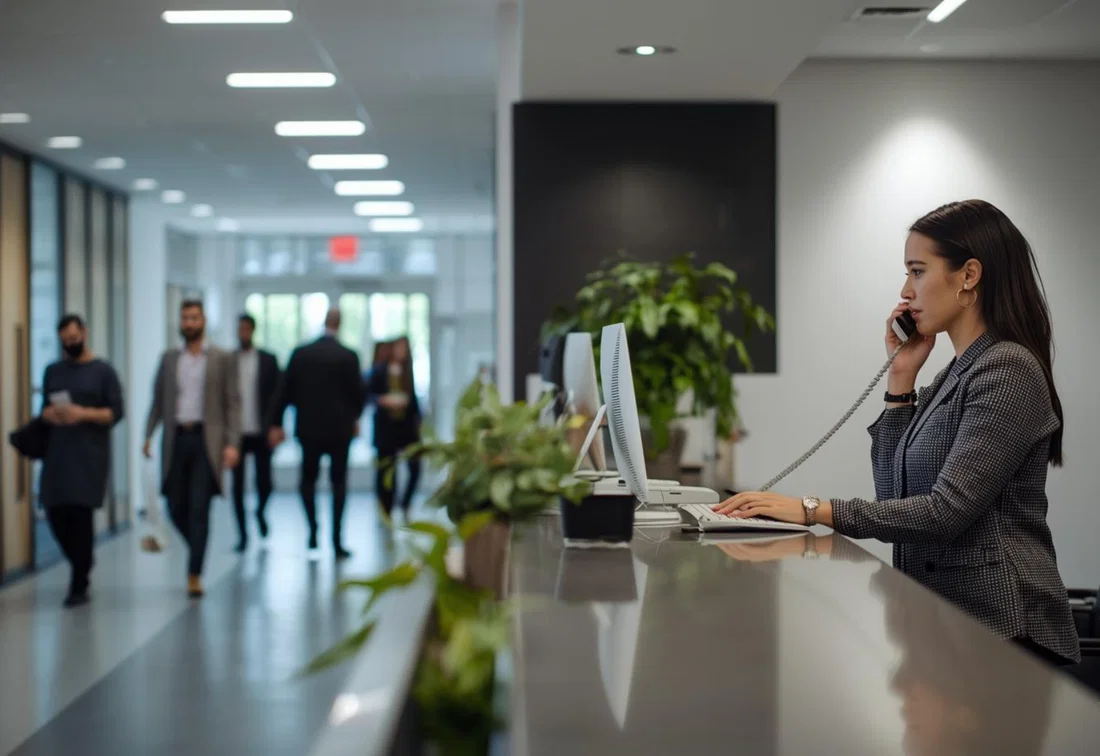
The phone at the front desk rings often. The receptionist answers calls, takes messages, and transfers them to the right person.
This can be stressful. Multiple lines may ring at once while visitors wait at the desk. A good receptionist stays calm. They quickly spot the core issue and set priorities. Working in a structured way helps - take short notes, follow fixed transfer steps, and schedule clear callbacks when someone is out. This helps callers fast and keeps info from slipping through the cracks.
The reception desk handles all mail and deliveries. The receptionist receives, logs, sorts, and delivers everything.
It may seem simple, but care matters. Important docs or packages can get lost or delayed. The receptionist tracks incoming shipments. They store items safely until they are picked up or delivered inside.
On top of visitors, calls, and mail, receptionists have more duties. In many firms, they keep the daily schedule on track. This means planning and confirming appointments, managing calendars, and booking meeting rooms.
These tasks use digital calendars, booking tools, planning software, and a VMS. Pre-registered guests get instructions and a QR code automatically. This prevents crowding in the lobby. Hosts get an alert the moment their guest arrives. Meetings start on time.
Receptionists support back-office tasks. These include updating visitor or supplier data, copying, archiving, managing files, and tracking supplies.
These tasks may seem minor. But they keep the org running smoothly. Receptionists work with care and discretion. They follow internal steps. They flag missing info or low supplies early.
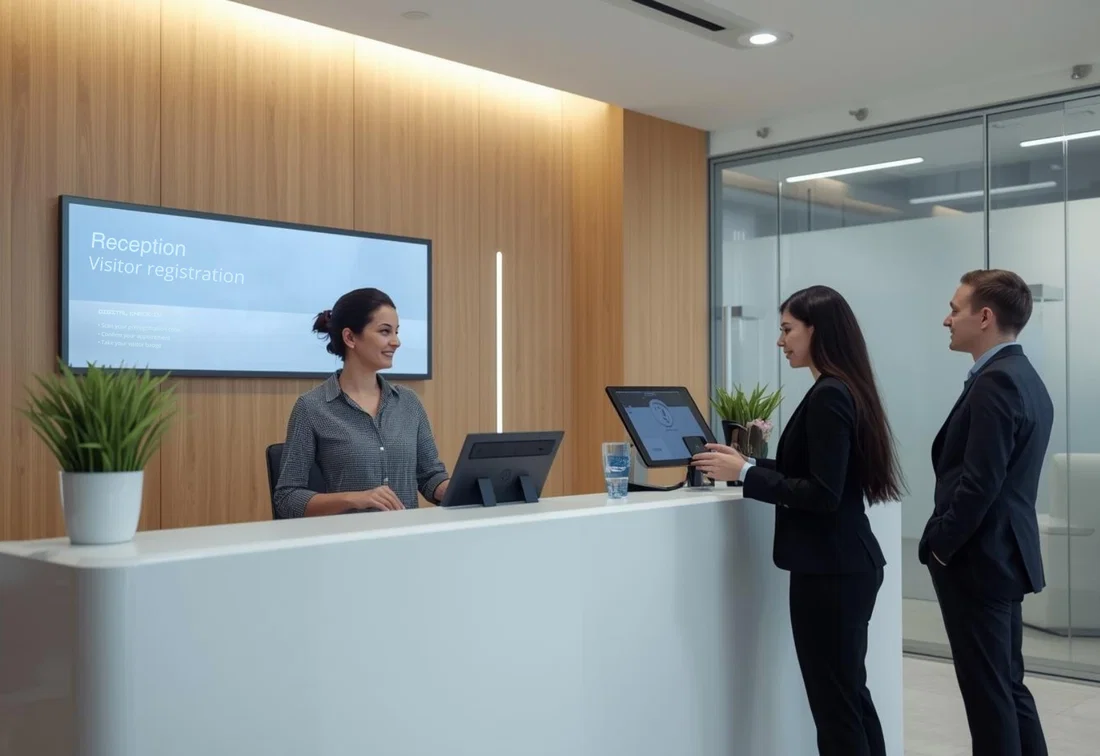
The reception area is your company’s calling card. It reflects your brand. Keep it clean, comfy, and accessible. Key elements: clear signs, seating, visible safety info, and a tidy desk. The receptionist keeps it neat all day.
For practical ideas about layout, lighting, and signs, read our post about improving your reception area.
Receptionists play a key role in security and privacy. At the entrance, they help monitor access. They register visitors. They grant temporary access via badges, guest Wi-Fi, or parking passes. They make sure access is time-limited and approved.
They also process visitor data under GDPR rules. They run extra checks like ID verification in sensitive settings. Only the data you need should be collected. Store it correctly. Keep it no longer than needed. In an incident, receptionists help start procedures, work with security, and share attendance lists.
Digital tools make all this easier and more secure. Linking visitor registration to access control means authorized guests get the right access and Wi-Fi code. A VMS helps with GDPR compliance. It offers secure cloud storage and auto retention. And it gives you a real-time visitor list for evacuations.
Never underestimate the receptionist role. A receptionist is more than a friendly face. They are often the first person outsiders meet from your company. Receptionists play a key role in:
For inspiration on what a reception area needs today, read this overview of 10 essential features for a modern front desk.
Many stimuli at once - Receptionists must constantly switch between the desk, telephone, email, and suppliers. Clear procedures and digital tools that automate routine tasks help maintain an overview.
Peak time pressure - Queues form at the counter and on the phone. Encouraging pre-registration and using a self-service kiosk makes check-in faster and keeps the reception area manageable.
Difficult or tense situations - Dissatisfied customers, stressful conversations, or inappropriate behavior. Clear communication, short waiting times, and a warm welcome prevent many issues.
Language and cultural differences - International visitors speak different languages and have different expectations. Digital visitor registration allows you to offer check-in in multiple languages while providing personal support as needed.
Emotional strain - Constant visibility, frequent task switching, and last-minute changes create strain. Feasible planning, sufficient backup during breaks, and systems that minimize repetitive tasks help lower the workload.
Be friendly and proactive. But don’t be afraid to enforce the rules. Tell visitors about check-in requirements and house rules. Professional reception means clear, firm communication. It also means having the courage to say “no.”
During peak times, phones ring, visitors arrive, deliveries come in, and questions pile up - all at once. The best receptionists use set routines. They prioritize. Turn recurring situations into standard processes. Decide in advance which tasks always come first. This helps you switch gears fast and avoid mistakes.
Digital tools save time and cut mistakes. Automate where you can. Use digital visitor registration with pre-registration and auto host alerts. Book meeting rooms online. Automate access control. A modern receptionist must master these tools.
Handle visitor data with care. Only collect what you need. Never share info with the wrong people. Follow the rules for NDAs, ID checks, and visitor badges. This keeps your reception secure, personal, and professional.
Strong communication, stress resistance, and digital skills are essential. Keep training them. Practice in real life. Small habits help: stay calm under pressure, speak clearly, take notes during calls, and ask for help when things get busy.
Vizito automates a large part of visitor management, enabling reception to work faster, more efficiently, and more securely.
Don’t underestimate the receptionist role. As the face of your company, the receptionist supports daily operations. They welcome visitors. They handle calls. They coordinate appointments and meeting rooms. They also do admin work. And the reception desk is a key part of your security system.
In 2026, the best reception desks mix warm human service with smart digital tools. This means a smooth, personal visitor experience. And it makes behind-the-scenes work more efficient and secure.
Would you like to experience for yourself how digital visitor management can make a difference? Try out Vizito during a 14-day trial. Chat with us or book a demo to learn how Vizito can improve your reception area.
 Hosted in Europe
 ISO 27001 Certified
 GDPR compliant
 249+ reviews
 No credit card required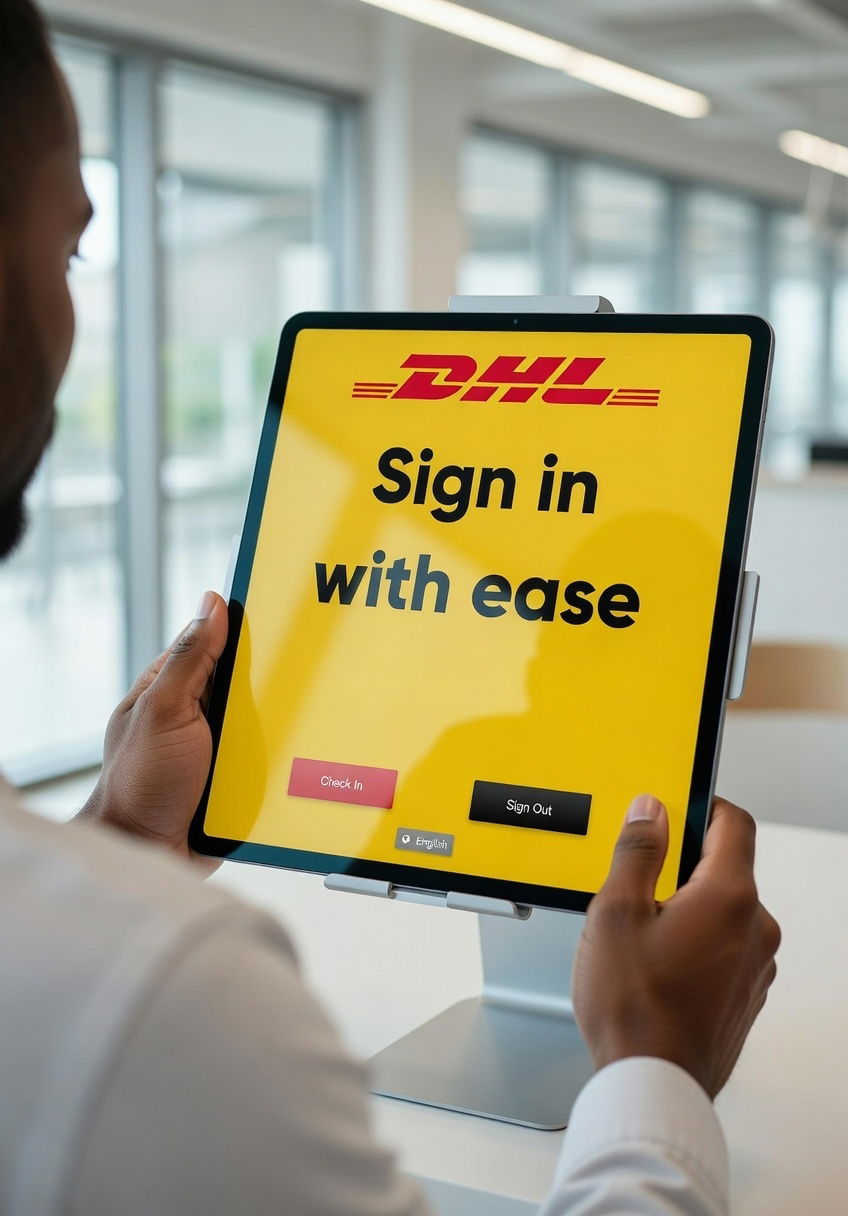
Our chat could not load
A content blocker or privacy extension is blocking client.crisp.chat, the service that runs our chat. Allow that address and try again, or reach us another way.
Contact us instead