Oct 15, 2026
Who Is on Site Right Now? An HSE Manager’s Guide to On-Site Visibility
In this article, we discuss seven common mistakes made when receiving visitors in the workplace, their impact, and practical solutions. You will learn what improvements you can make and how digital visitor management makes reception faster, safer, and more consistent.

The seven most common mistakes when receiving visitors in the workplace are: having no registration at all, relying on paper logbooks, ignoring the visitor experience, neglecting security and data protection, skipping pre-registration, using disconnected systems across locations, and failing to train receptionists properly. Each of these mistakes can lead to security risks, GDPR violations, and a poor first impression. A highly customizable visitor management system addresses all seven at once.
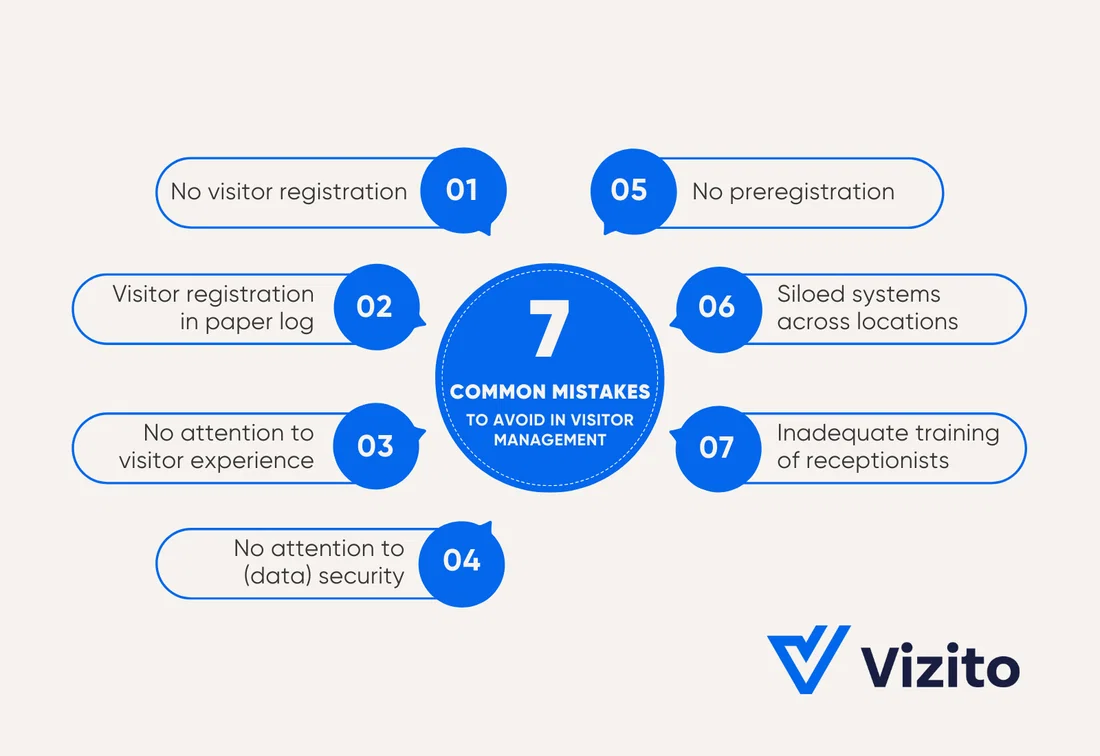
The biggest mistake organizations can make when receiving visitors is failing to register who enters the building. While it may seem smooth and accessible if visitors can simply walk in and out, this can lead to problems if an emergency occurs and no one knows exactly who is in the building.
In some cases, visitors are registered, but the recorded information is inaccurate. The registration process is not well thought out, resulting in the wrong information being requested or crucial data being omitted.
Without visitor registration, you have no control over who enters your buildings. This results in:
Outline a clear visitor policy. Ask yourself the following questions:
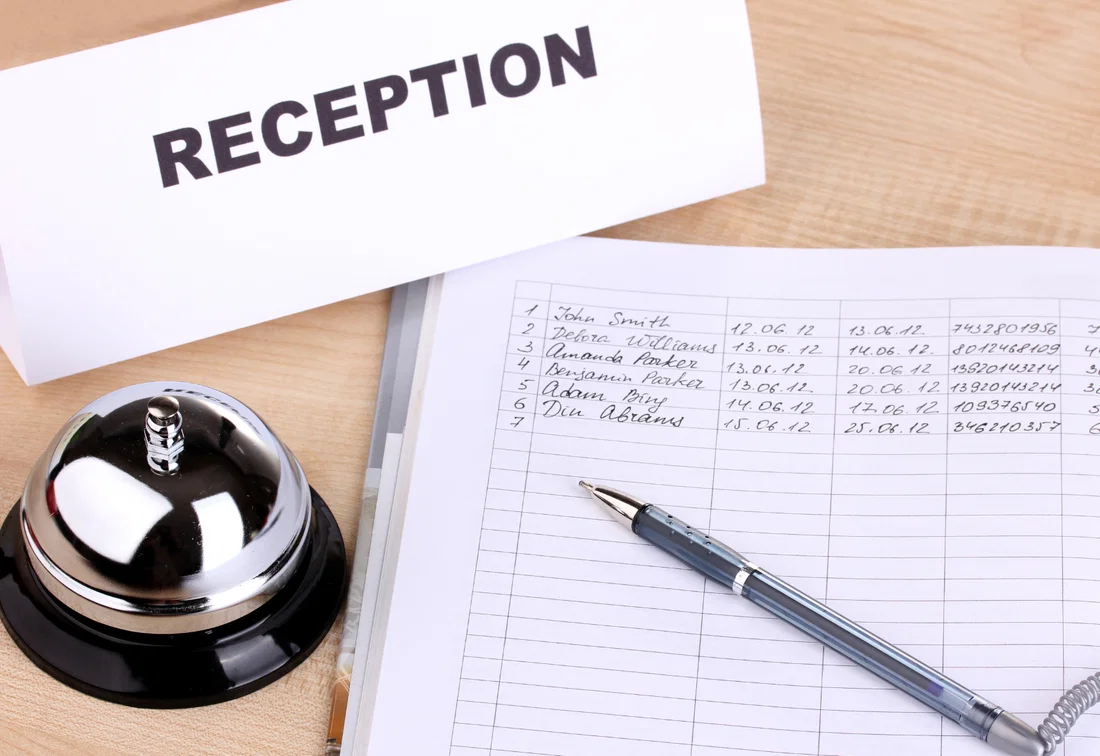
Although registering visitors on paper seems simple, it is slow, error-prone, and not privacy-friendly. Forms are often incomplete or illegible, and people forget to check out. Data gets lost in folders or drawers. Furthermore, other visitors can easily see who arrived before them, which violates the GDPR. Paper does not provide real-time visibility of who is inside, automatic notifications, or centralized reporting across locations.
Paper registration is only slightly better than not registering at all. Attendance lists are rarely accurate when you need them. In an emergency, this slows down evacuations and creates uncertainty for emergency services. Paper registration also increases the risk of data leaks when lists are left lying around or stored insecurely.
Furthermore, paper causes queues at reception and duplicate administration (re-typing in Excel or other systems). Reporting and audits take more time and remain inaccurate.
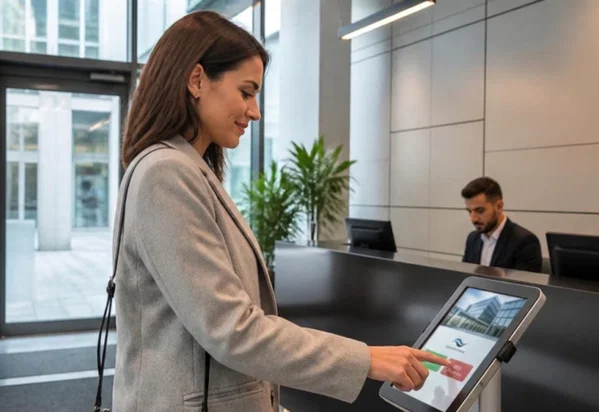
By switching to a digital visitor management system (VMS), you can tackle all these problems at once. Visitors can quickly check themselves in via a kiosk or with a QR code after pre-registering. Their host is automatically notified, which significantly reduces waiting times. You have a real-time attendance list for daily monitoring and evacuations. Data is securely processed and stored in encrypted form in the cloud, where it is only accessible to authorized persons.
A good visitor policy prioritizes the guest experience. However, things often go wrong: busy and noisy lobbies, long check-in lines, disorganized paper lists, hosts who are not notified in time, and inadequate information about routes, parking, identification, and signage.
A sloppy reception undermines trust before the conversation even begins. It comes across as unprofessional and careless, making it more difficult to start conversations and reducing the likelihood of cooperation. Visitors tend to remember the poor reception more than the meeting’s content.
Failing to pay attention to visitors makes them feel unwelcome and can lead to complaints. Negative experiences spread quickly and can damage your reputation.
Pay attention to every step of the process, from the invitation to the departure. Send a clear invitation for pre-registration that contains all the necessary information. Offer clear signage and a smooth self-check-in process that notifies hosts immediately of their guests’ arrival. Offer multilingual and accessible screens. Ask visitors for feedback and take it into account.
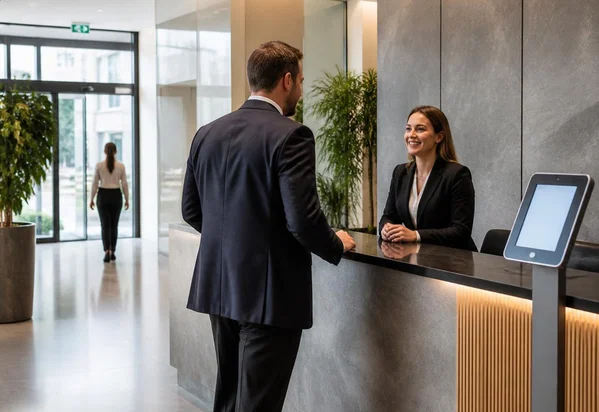
According to science, people need no more than 7 seconds to form a first impression. As a company, that means you don’t have much time to impress your visitors. With these simple but ingenious ideas for your reception area, you are guaranteed to score points.
Receiving visitors can be risky. Without a clear approach, things can quickly become chaotic. Visitors can walk through your buildings unaccompanied and easily access all areas because registration is not linked to access systems or temporary visitor passes. No one knows which areas are accessible or when identity checks are required.
Personal data is often handled carelessly. Too much information is requested, data is stored for too long, paper lists are left visible on counters, and visitors are not given a clear explanation of what happens to their data. Emergency procedures for visitors either lack proper implementation or have not been practiced.
Increased unwanted access and visitors wandering around increases the risk of theft, sabotage, and damage. Employees and visitors feel less safe. In an emergency, it is unclear who is inside, making evacuation difficult. Careless handling of data can lead to leaks, complaints, legal issues, and reputational damage.
Establish clear safety and privacy rules, and communicate them effectively:
Often, visitors are only registered upon arrival at the company. This means the entire check-in process has to start from scratch, including requesting details, providing necessary information, and possibly having documents (such as safety guidelines or visitor NDAs) signed. Without an email invitation, visitors receive no advance information, badges and parking permits are not prepared, and they receive no reminders.
Make pre-registration standard. With digital visitor registration, this is easy to implement. When scheduling an appointment, automatically send an email with all the necessary information, such as the date and time, address, directions, parking details, contact information, what to bring, house rules, and safety information. Have visitors confirm their details in advance and provide them with a QR code to speed up on-site check-in. Send a reminder shortly before the visit.
Companies with multiple branches do not always take an integrated approach to their systems. Different branches may each have their own visitor registration system, such as a paper log, a separate tablet, or an Excel spreadsheet. There are no agreements on what data is requested, how badges and zones are managed, or how check-in and check-out are handled.
Develop a standard visitor process for the entire organization. Select a digital system that allows for local nuances, such as language and house rules. Create a clear, consistent policy with fixed procedures, questionnaires, and a privacy statement for all locations. Use a central visitor database to process known visitors more quickly. Provide real-time attendance lists for each location, as well as a central overview. Allocate rights so local teams can manage their own location while allowing for centralized reporting.
A successful visit begins with a warm welcome. Without properly training reception staff, this is impossible.
New and temporary employees are often not trained. There is a lack of clear instructions. Staff are overwhelmed with tasks, leaving no time for visitors. Rules regarding safety, privacy, identity checks, and emergency procedures are either unknown or not practiced.
The quality of the welcome varies, registration goes wrong, uncertainty at the desk leads to delays and chaos. Visitors feel unwelcome.
Provide simple, repeatable training and work packages:
A receptionist is much more than someone who answers the phone or welcomes visitors. He or she is the face of your company. But what makes a good receptionist? Discover the 12 most important skills that every receptionist needs to make your company shine.
As you can see, it’s easy to make mistakes when receiving visitors. Fortunately, there is a solution that addresses many issues at once: a digital visitor management system that streamlines and secures the entire visitor journey, from invitation to departure.
Properly receiving visitors in the workplace requires clear agreements, flawless execution, and the right tools. The seven common mistakes discussed in this text are recognizable but easy to avoid. By implementing a clear, well-developed policy and digital visitor management system, you can enhance security, reduce the front desk’s workload, and improve every visitor’s experience.
Start small and stay focused:
To get a feel of how a modern visitor management system can help your business, try out Vizito during a 14-day trial. Chat with us or book a demo to discuss how Vizito can help you improve your reception.
 Hosted in Europe
 ISO 27001 Certified
 GDPR compliant
 249+ reviews
 No credit card required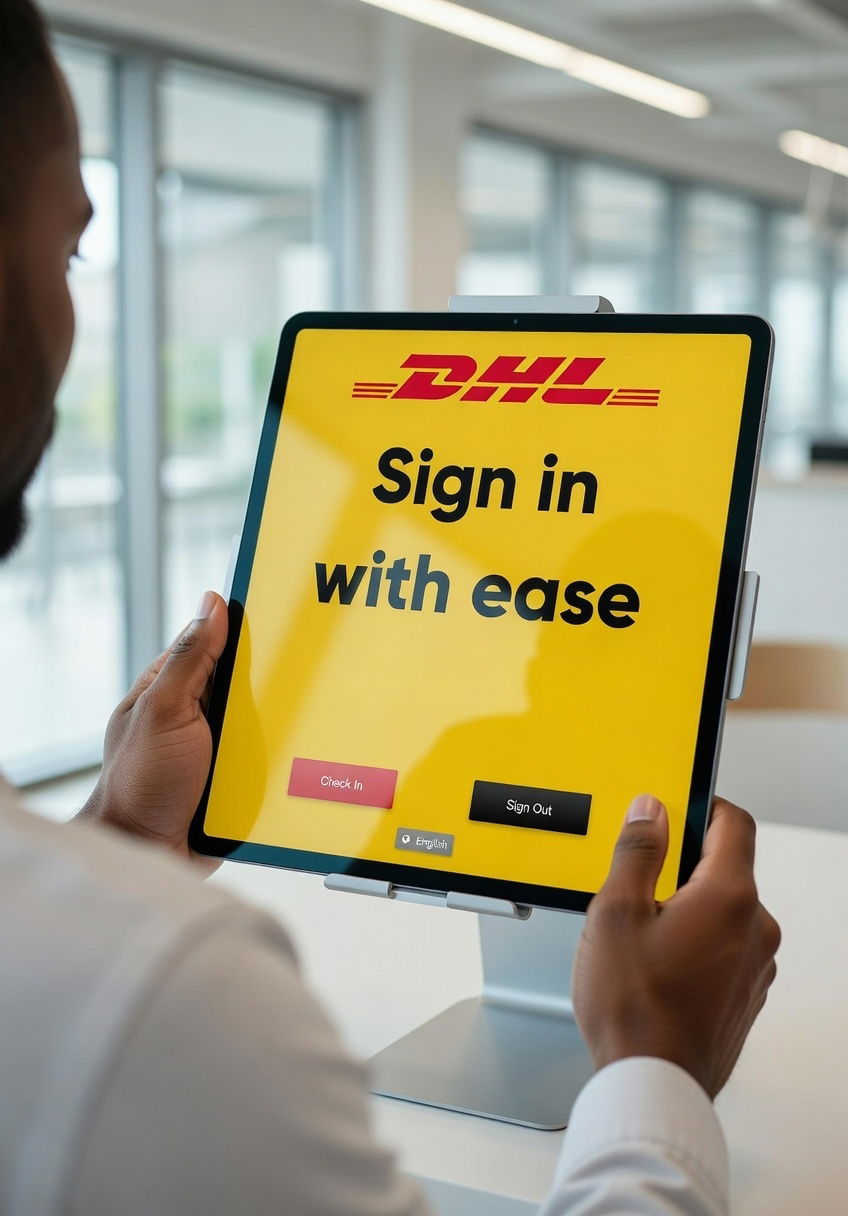
Our chat could not load
A content blocker or privacy extension is blocking client.crisp.chat, the service that runs our chat. Allow that address and try again, or reach us another way.
Contact us instead